SJinn
🔥 40% OFF Annual Plans|nano banana pro unlimited | seedance 2.0 now available|
--:--:--
View Pricing →

SJinn: Your Best Image & Video Agent

Transform your creative vision into reality with AI-powered image, video, audio, and 3D content creation. Just describe it, and SJinn will make it happen.

Categories

Kling 3.0 Image To Video

Image (optional)
Tail Image (optional)

Tips: focus on describing the movement you'd like in the output, rather than the contents of the image.

multi_shot

Your Results

View and manage your generated tasks

See how it works

Preview of the results you can create

Sample output

This is a demo of what you can create with this tool. Try it yourself by creating a new task!

Kling 3.0 — AI-Powered Image-to-Video Generation

Kling 3.0 by Kuaishou transforms static images into dynamic, high-quality videos with precise motion control. Define start and end frames for controlled transitions, choose from 3 to 15 seconds of output, and select Standard or Pro mode to balance speed and quality. On SJinn, Standard mode costs 150 credits per second and Pro mode costs 200 credits per second.

Create Videos from Images with Kling 3.0 in 3 Steps
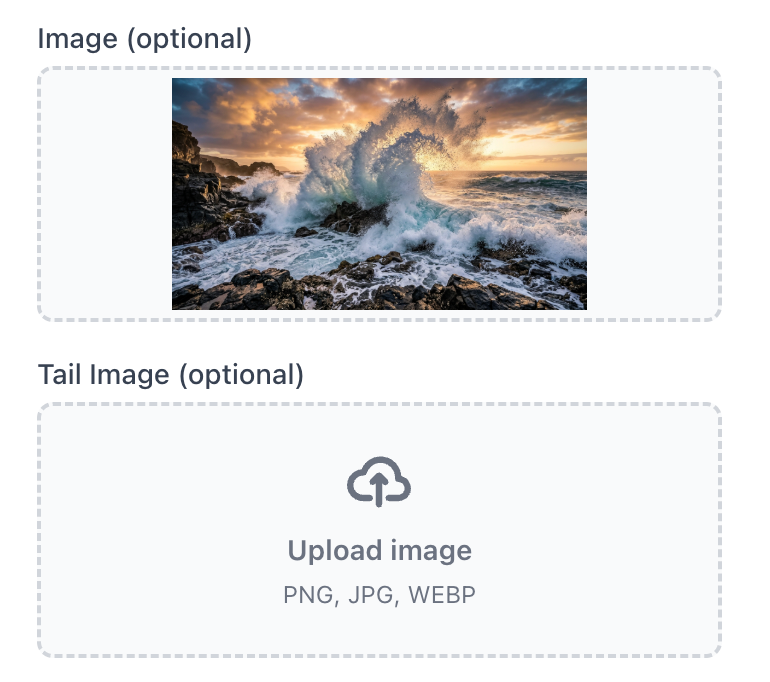
Step 1: Upload Your Image

Step 1: Upload Your Image

Upload a starting image to set the visual foundation of your video. Optionally add a tail image to define the ending frame — Kling 3.0 will generate a smooth transition between the two. Skip both if you only need text-to-video.

Step 2: Describe the Motion

Write a prompt focusing on the movement you want — camera pans, character actions, environmental changes. Kling 3.0 responds best to motion-focused descriptions rather than static scene details, since the image already provides the visual context.
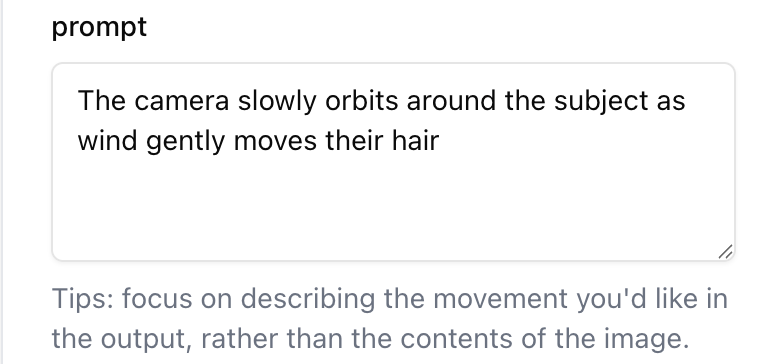
Step 2: Describe the Motion
Step 3: Choose Settings & Generate

Step 3: Choose Settings & Generate

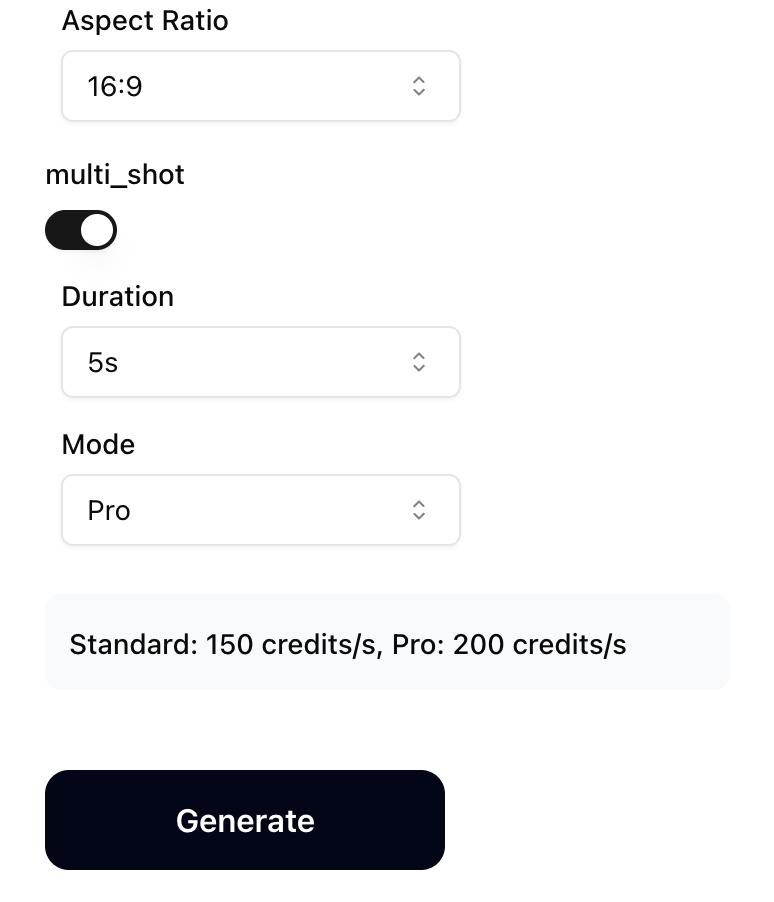
Pick your aspect ratio (Auto, 16:9, 9:16, 1:1), video duration (3–15 seconds), and generation mode (Standard for speed, Pro for quality). Enable Multi Shot for scene-cut style videos. Hit generate and your video will be ready shortly.

Why Kling 3.0 Image to Video
Start & End Frame Control

Start & End Frame Control

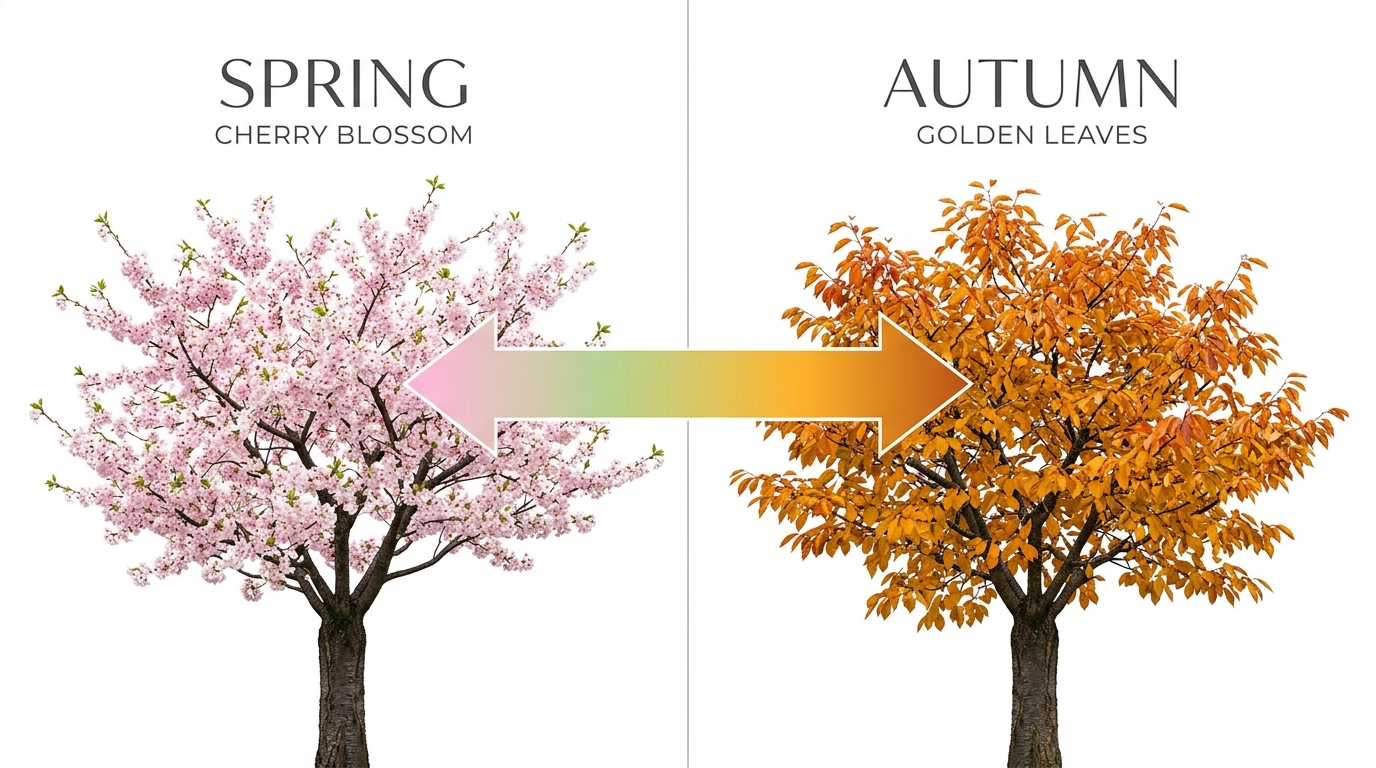
Upload both a starting image and an optional tail image to define exactly how your video begins and ends. Kling 3.0 generates a smooth, coherent transition between the two frames — ideal for morph effects, scene transitions, and controlled animation sequences.

Flexible Duration: 3 to 15 Seconds

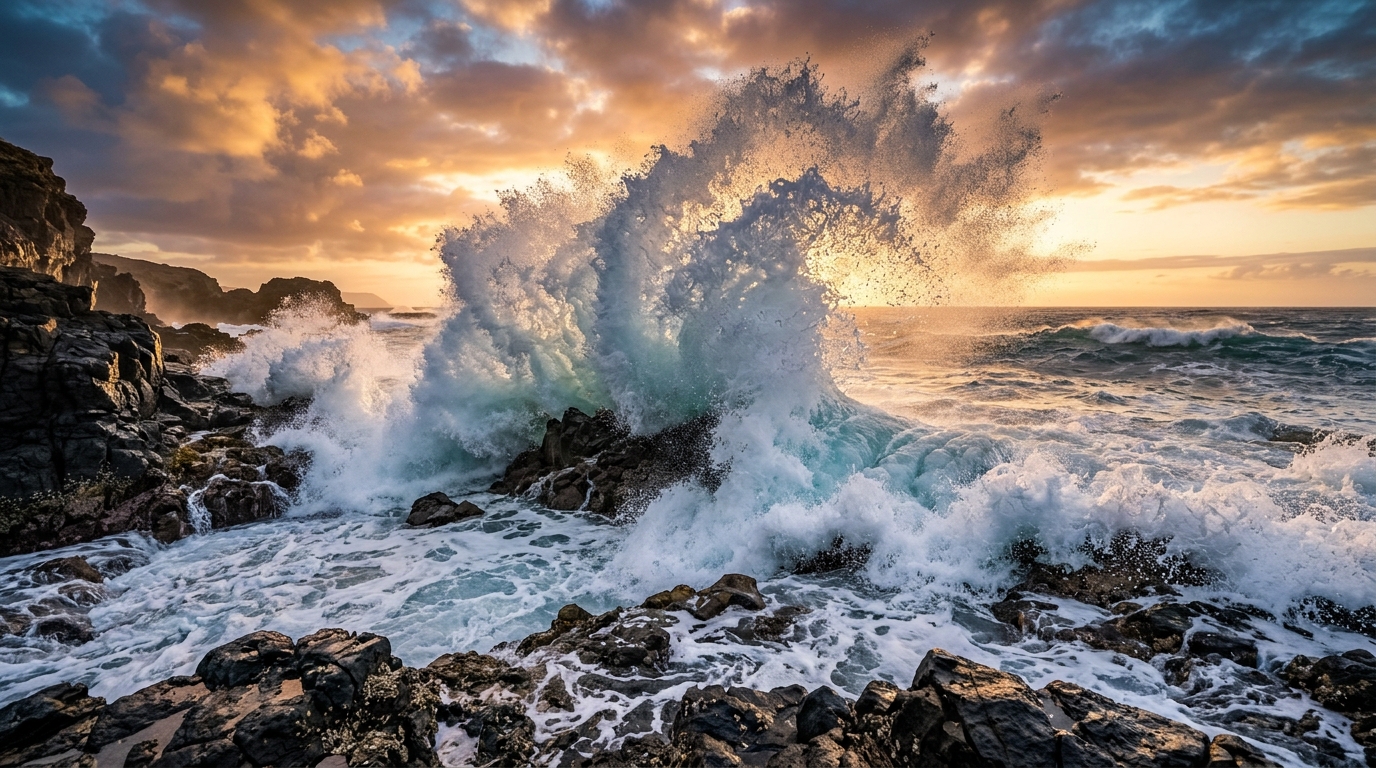
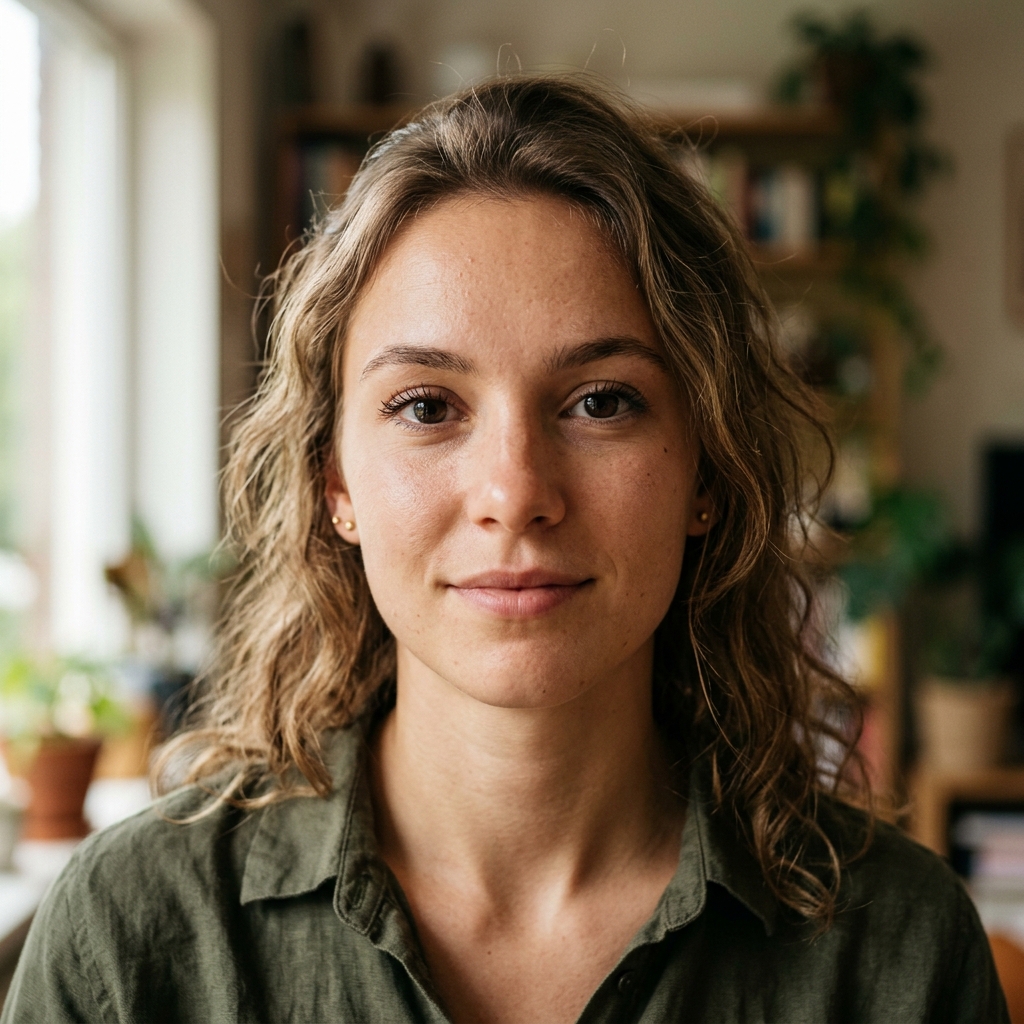
Choose precisely how long your video should be — from a quick 3-second clip to a full 15-second sequence. Fine-grained duration control lets you match the output to your exact use case, whether it's a social media snippet or a detailed product animation.
Flexible Duration: 3 to 15 Seconds
Standard & Pro Modes

Standard & Pro Modes

Standard mode delivers fast results at 150 credits per second — great for drafts and iteration. Pro mode at 200 credits per second produces higher fidelity output with finer motion detail and richer textures. Switch modes based on whether you need speed or quality.

Native 4K Output at 30fps

Kling 3.0 produces native 4K resolution video at 30fps with 16-bit HDR color — not upscaled from lower resolution. Every frame is generated at full fidelity, delivering cinema-grade output ready for professional use without any post-processing upscaling.

Native 4K Output at 30fps
Native Audio Sync

Native Audio Sync

Generate synchronized audio in a single pass — voiceovers, lip-synced dialogue, sound effects, and ambient audio. Kling 3.0's unified multimodal architecture produces frame-perfect audio-video synchronization without the need for separate audio tools or post-production.

What People Create with Kling 3.0

A serene mountain lake at sunrise — the camera slowly pans right as morning mist drifts across the water surface, warm golden light gradually illuminates the peaks.

A woman in a flowing red dress walking through a field of lavender — her hair and dress billow gently in the wind as she moves toward the camera.

A luxury watch on a dark marble surface — the camera orbits slowly around the watch as studio lighting reflects off the polished metal case and crystal.

An ink painting of a koi fish — the fish comes to life, swimming through painted waves as ink strokes ripple and flow around it in traditional Chinese brush style.

A cyberpunk cityscape at night — neon signs flicker on one by one, flying vehicles streak across the sky, and rain begins to fall reflecting colorful lights on wet streets.

Frequently Asked Questions