
Build your next campaign image with Sunburst
Create and edit images with SJinn. Bring your ideas to life.
Build your next campaign image with Sunburst
Start with a product, a visual direction, or a scene you want to explore. GPT Image 2.5 Sunburst turns your prompt and optional reference images into a new image for your creative brief. Choose a square, portrait, or landscape composition and 1K, 2K, or 4K output for 120 credits per image. The images below are creative examples to inspire your prompts.
Start Create ↗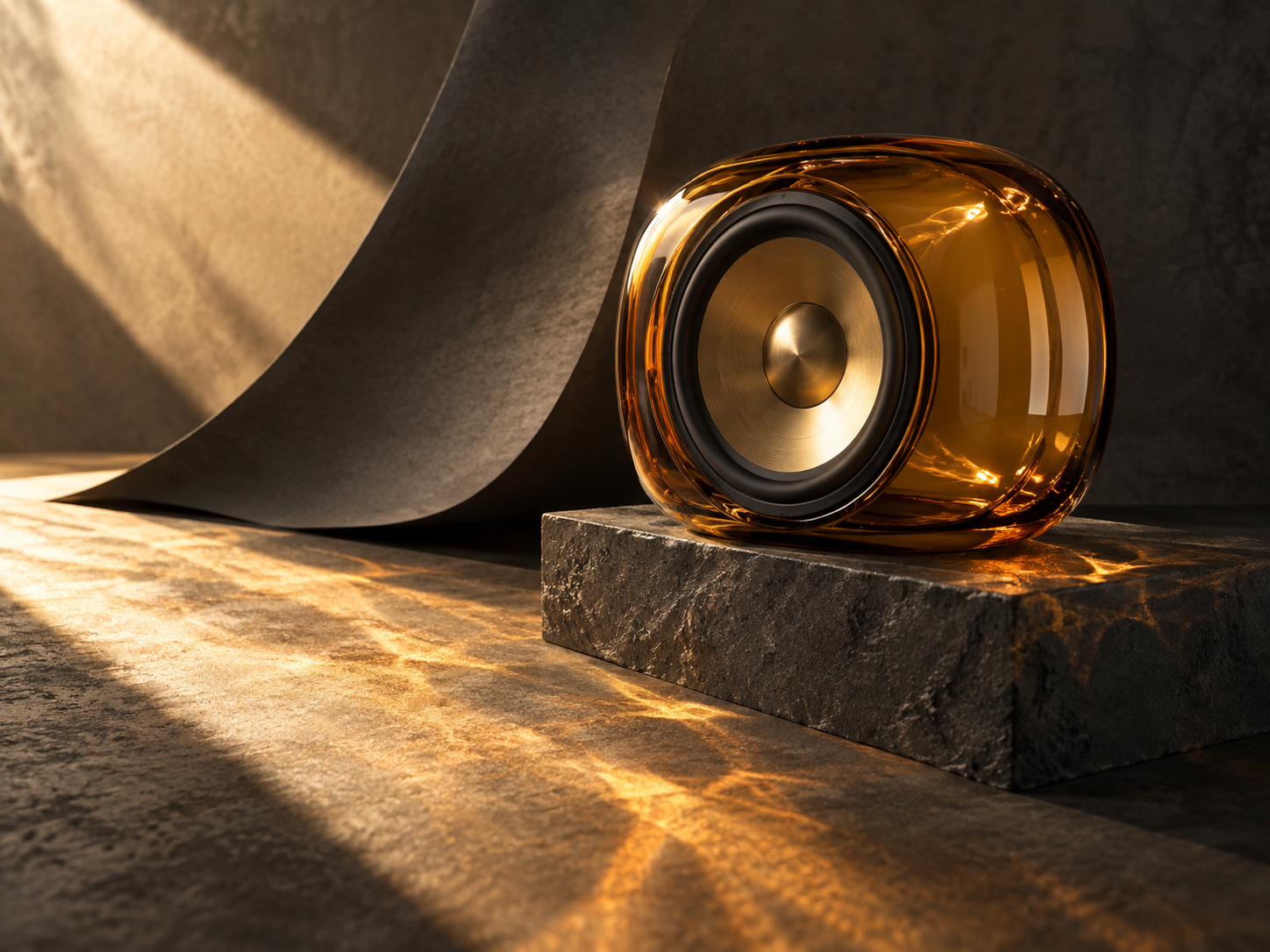
Take a creative brief from words to an image
Define the shot
Describe the subject, materials, lighting, and setting. For a product concept, specify the camera angle and the space you want around the object. A focused brief gives you a clear starting point for reviewing the result.
Give each reference a role
Add up to 16 reference images when you want to guide an edit. Explain which image shows the product, which suggests the palette, and which provides a composition idea. You can also start with a text prompt alone.
Choose the format and create
Select 1:1, 3:4, 9:16, 4:3, or 16:9 and choose 1K, 2K, or 4K. Each generation creates one image for 120 credits. Review it, adjust your brief, and use your saved parameters to create another version.
Shape the image around your creative brief
Explore a scene from a text prompt
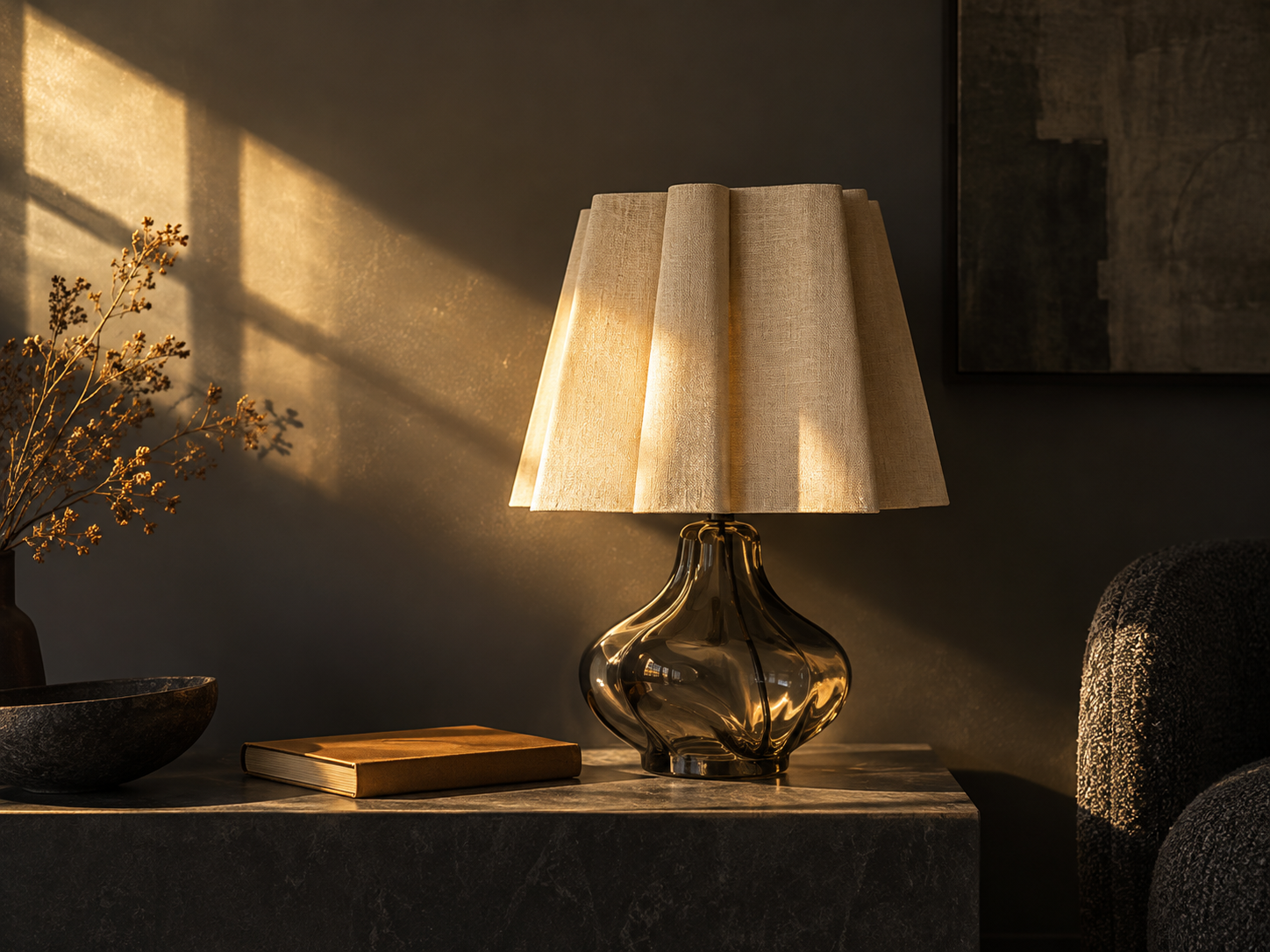
Describe a material, an atmosphere, or a complete setting to start a new image. Try an interior still life, a launch concept, or an editorial scene, then refine the details that matter to your project.
Direct an edit with reference images
Bring product views, style references, or an existing composition into the brief. State what should stay and what should change, such as the background, lighting, or framing. Sunburst accepts up to 16 reference images.
Compose for the space you need
Choose 1:1 for square placements, 3:4 or 9:16 for portrait layouts, and 4:3 or 16:9 for landscape work. Describe where the subject belongs and whether to leave room for a headline or later design work.
Choose your output resolution
Select 1K, 2K, or 4K before generating. Use the result to inspect textures, edges, and details and decide what to refine next. Every resolution costs the same 120 credits per image.
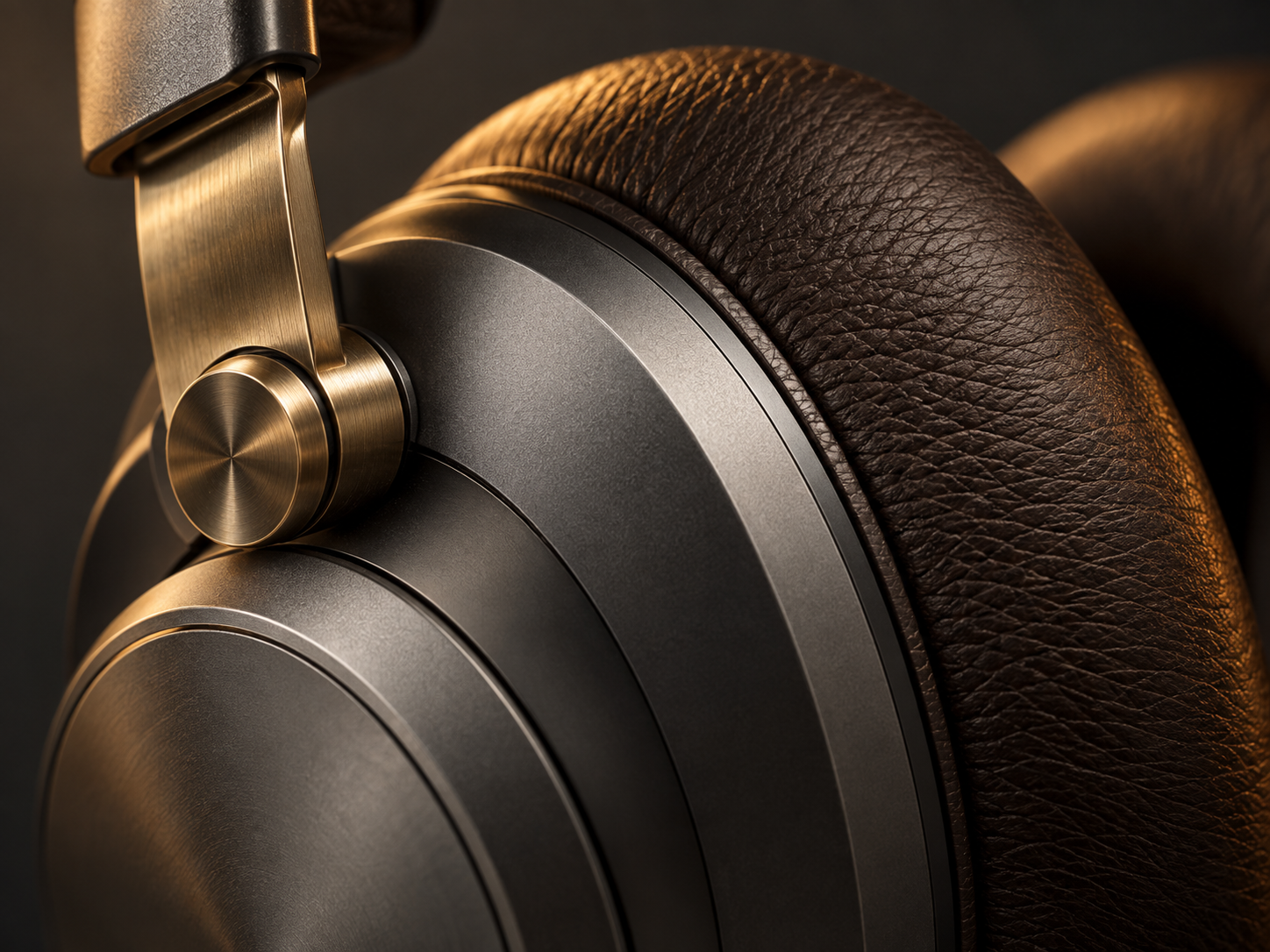
Three directions for your next visual concept
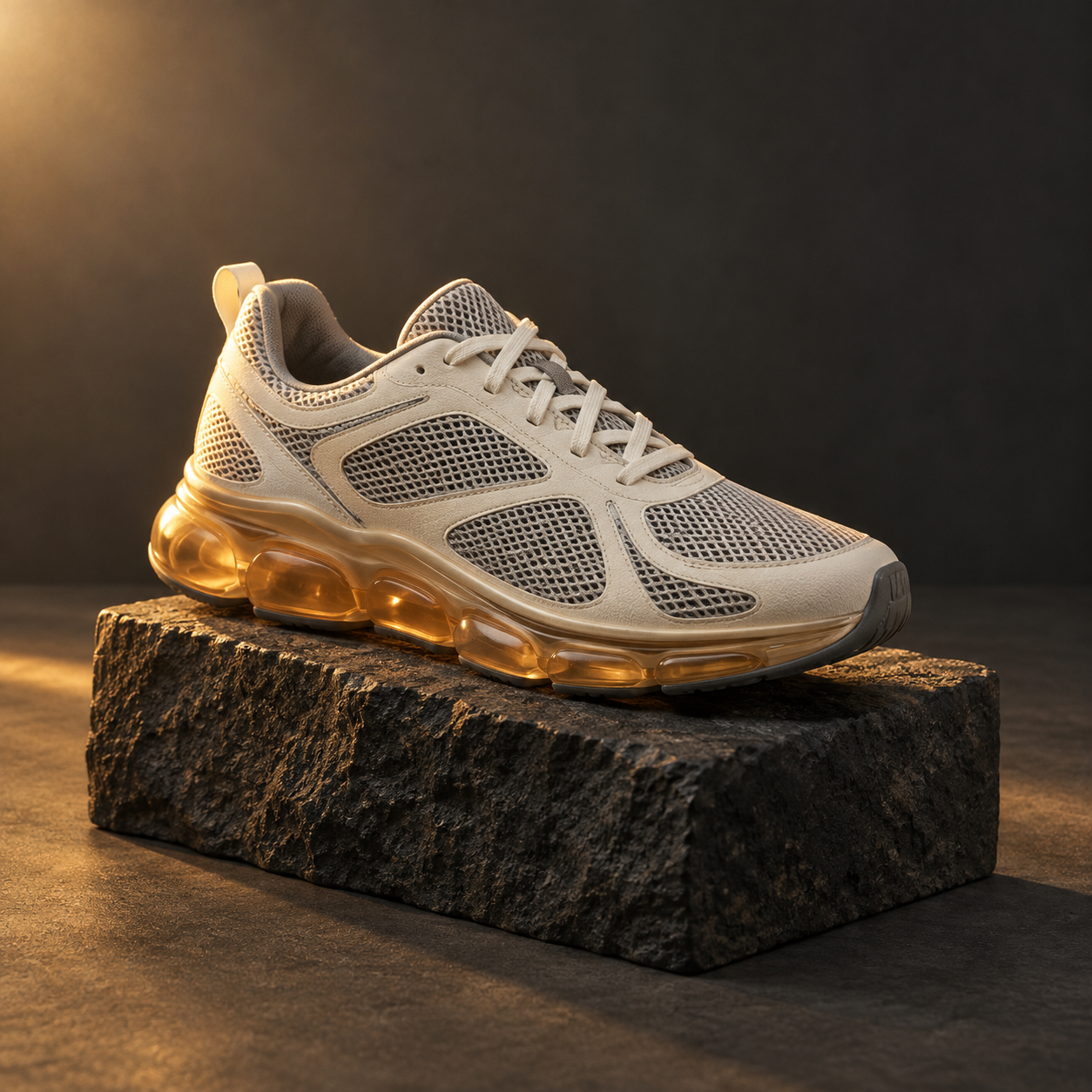
Square product photography: an ivory running shoe with an amber sole on dark basalt. Try a 1:1 composition, describe the mesh and laces, and ask for enough space around the complete product for an ecommerce layout.
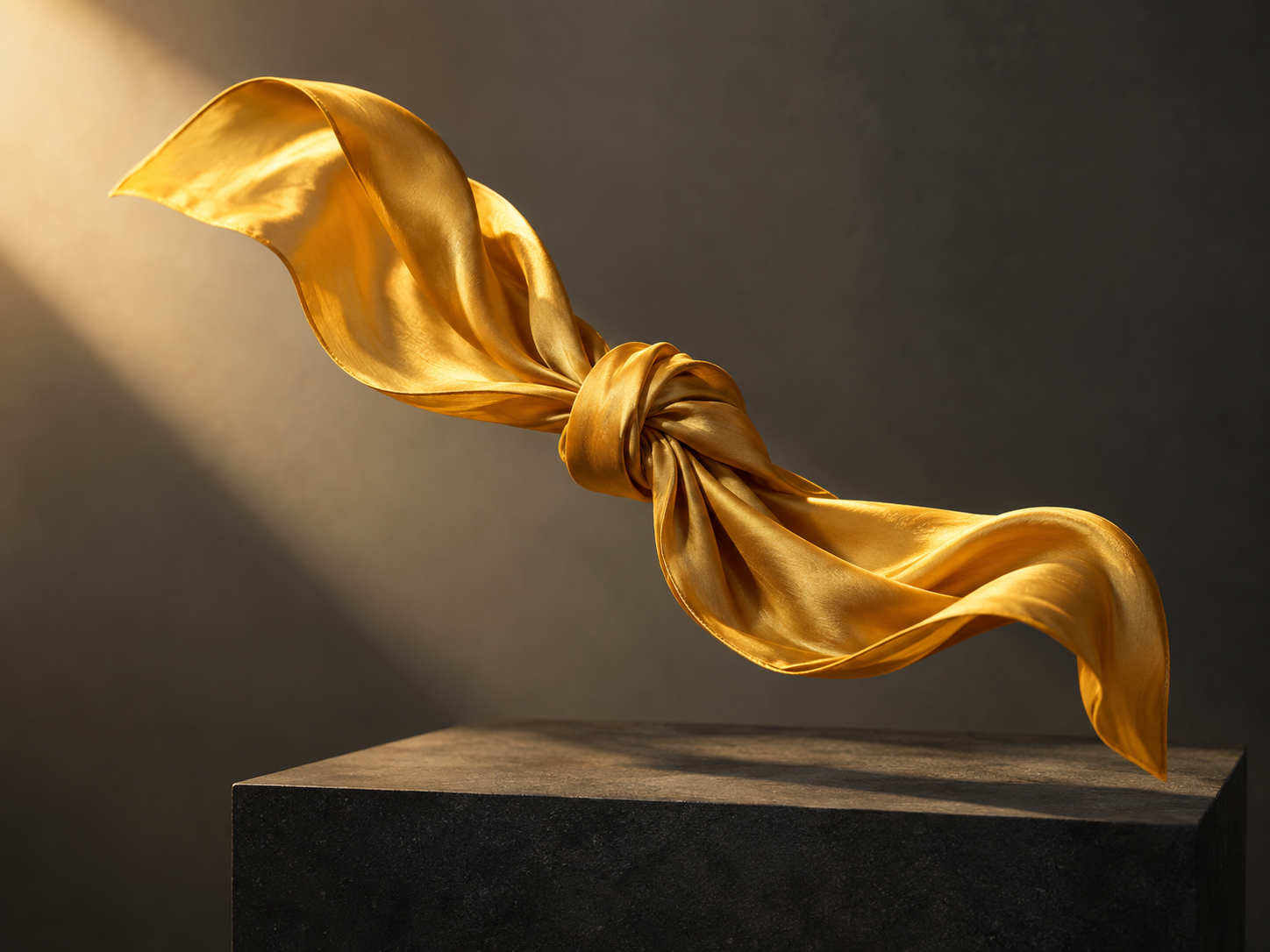
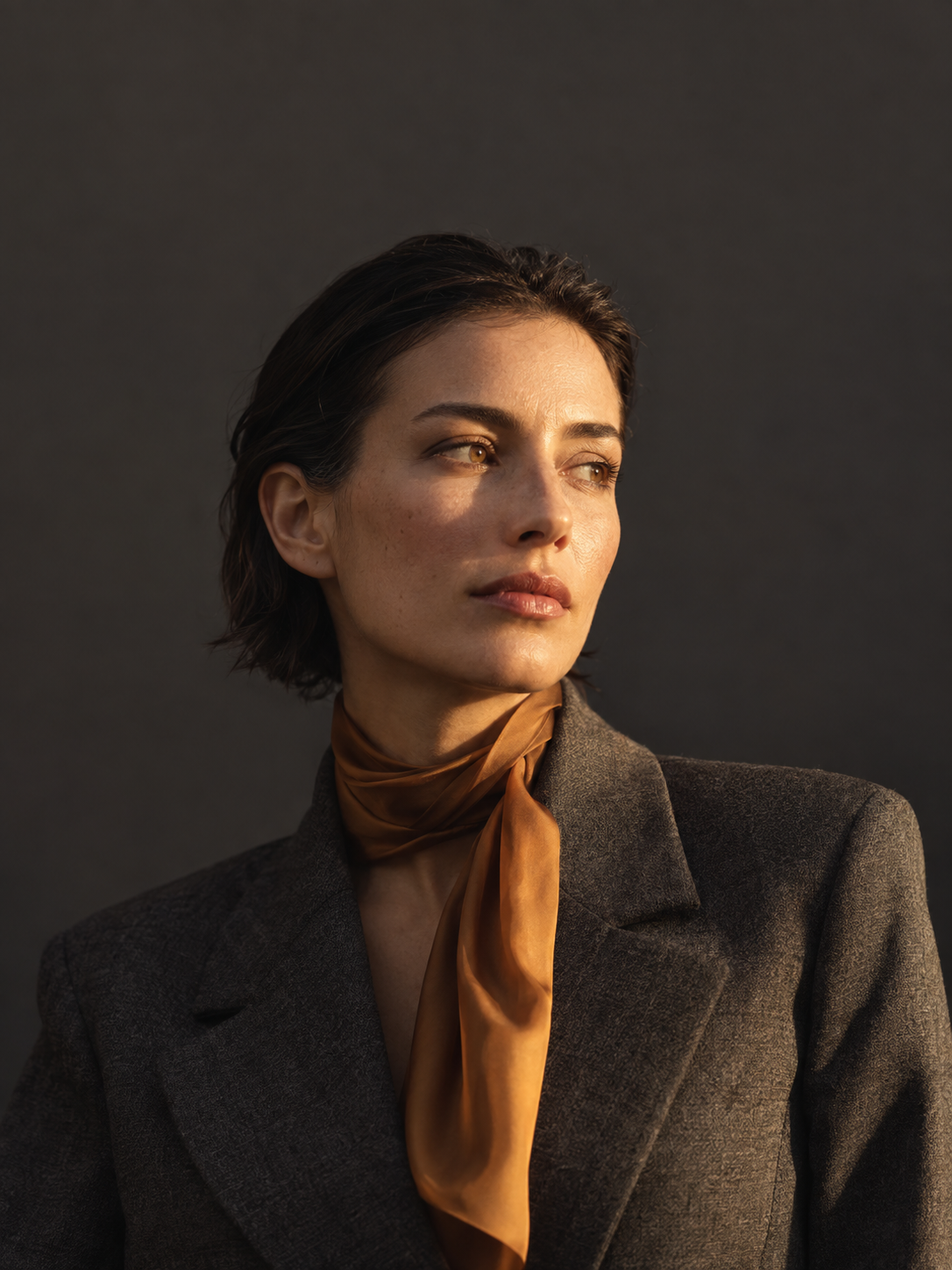
Portrait editorial concept: a graphite blazer and amber silk scarf in warm directional light. Choose 3:4 and leave space around the subject for a magazine layout, with the typography added during your design process.
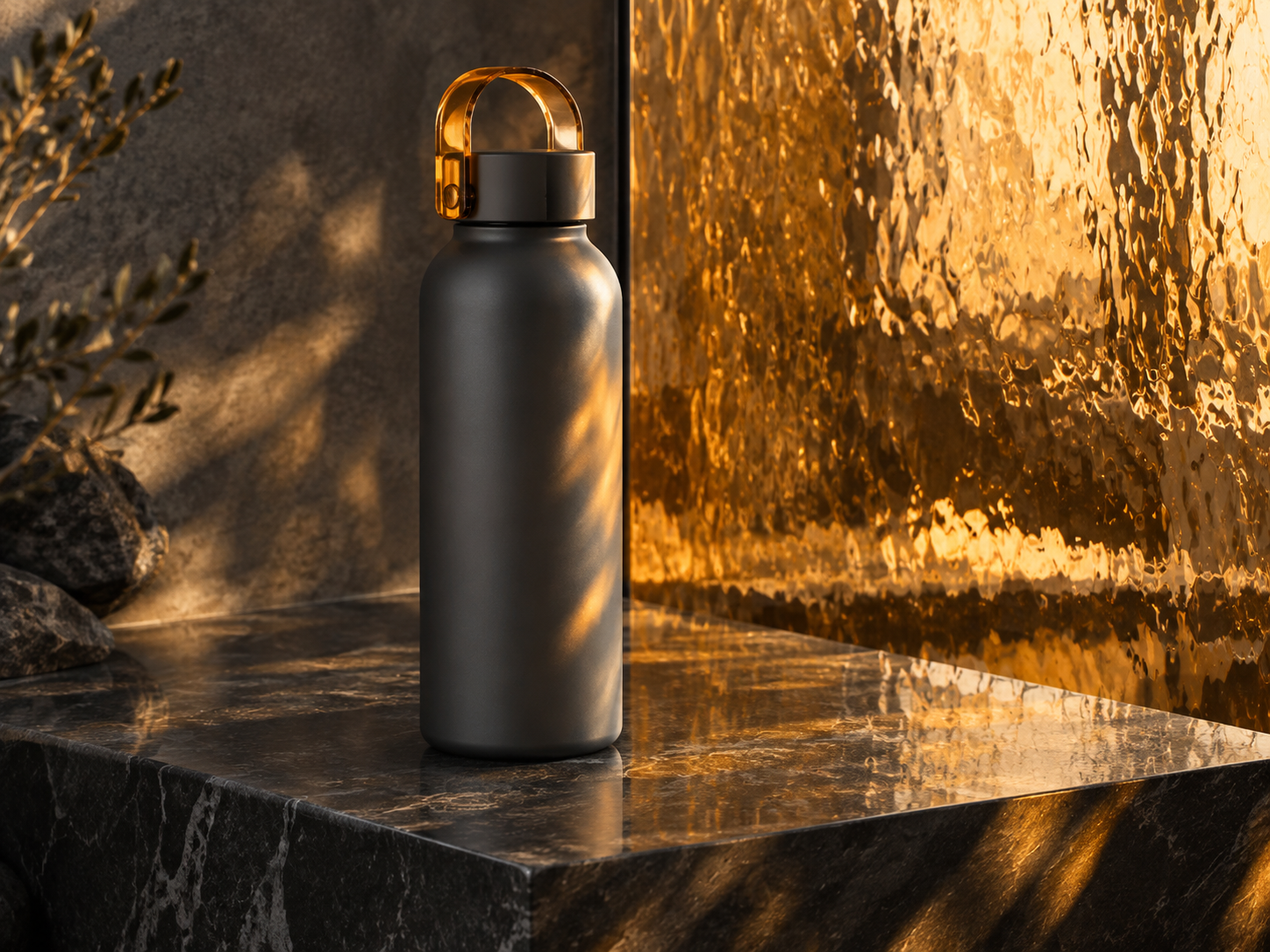
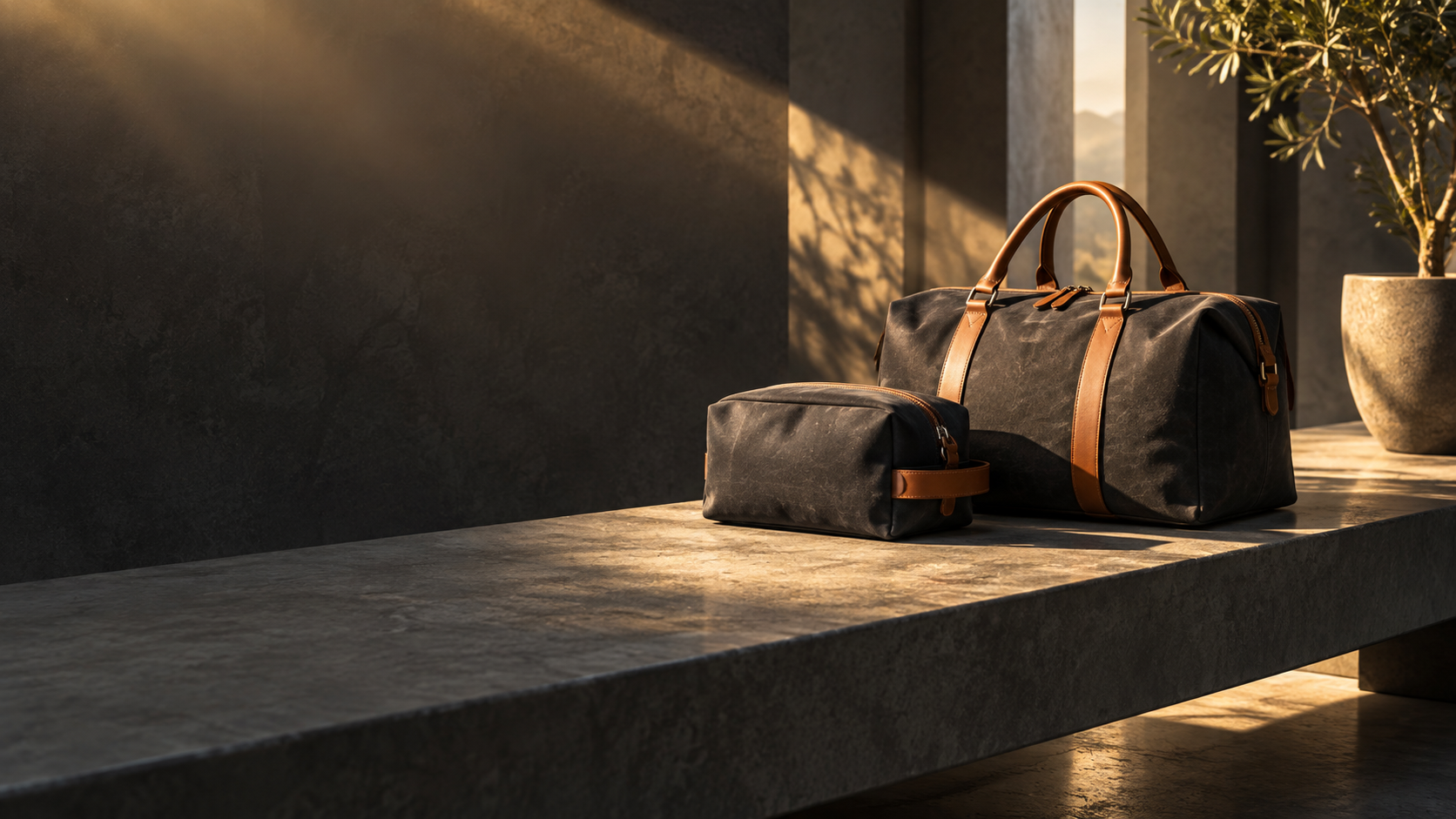
Landscape campaign banner: charcoal travel bags on a stone bench with long golden shadows. Choose 16:9, place the product to one side, and reserve open space for your campaign message.
Frequently asked questions
What is GPT Image 2.5 Sunburst on SJinn?
Sunburst is a GPT Image 2.5 option in SJinn tool mode for creating images from text and editing with reference images. Use it to explore product photography, campaign concepts, editorial scenes, and other visual briefs.
Can I start with only a prompt?
Yes. Enter a prompt describing the image you want. Reference images are optional, so you can generate a new scene without uploading anything.
How do I use reference images for an edit?
Upload up to 16 reference images and explain the role of each one. Describe the elements you want to retain and the changes you want to make, then review the generated result against your brief.
Which aspect ratios can I choose?
Sunburst offers 1:1, 3:4, 9:16, 4:3, and 16:9. The default is 1:1. Choose the shape that suits your intended placement and describe the composition in your prompt.
Does Sunburst support 2K and 4K output?
Yes. You can select 1K, 2K, or 4K independently of the aspect ratio. The default resolution is 1K, and each resolution has the same price per image.
How many credits does one image cost?
Each generation creates one image and costs 120 credits, whether you choose 1K, 2K, or 4K. Creating another version starts a new generation and costs another 120 credits.
Can I reuse the settings from an earlier image?
Yes. Use the recreate action in your tool history to restore the prompt, reference images, aspect ratio, and resolution. Review or adjust those settings before generating a new image.
Is Sunburst included in Unlimited mode?
Sunburst does not support Unlimited mode. Access requires a membership, and each generation uses 120 credits.