SJinn
🔥 40% OFF Annual Plans|nano banana pro unlimited | seedance 2.5 now available|Seedance 2.0 Mini · Aug 7–Sep 750% OFF|
--:--:--
View Pricing →

SJinn: Your Best Image & Video Agent

Transform your creative vision into reality with AI-powered image, video, audio, and 3D content creation. Just describe it, and SJinn will make it happen.

Categories

GPT Image 2.5 AI Image Generator

images
1/16

Your Results

View and manage your generated tasks

No results yet

Start creating by submitting a task using the form on the left.

GPT Image 2.5 AI Image Generator

Turn a text prompt into an image or use reference images to guide an edit with GPT Image 2.5 on SJinn. Explore product visuals, illustrations, backgrounds, and social content in one tool. Upload up to 16 references, choose Auto or a preset image size, and generate for 100 credits. The visuals below illustrate creative ideas you can try.
GPT Image 2.5 AI Image Generator

How to Use GPT Image 2.5 in 3 Steps

Step 1: Describe Your Image

Write a prompt describing the subject, setting, composition, lighting, and style. For an edit, explain what should change and which details you want to keep.

Step 2: Add Optional Reference Images

Upload up to 16 reference images to accompany your prompt. Explain how each reference should guide the result, such as the product, background, or visual style. Leave this field empty for text-to-image generation.

Step 3: Choose a Size and Generate

Keep Image Size on Auto or select 1:1 HD, 1:1, 3:4, 9:16, 4:3, or 16:9. Each generation costs 100 credits. Review the result and refine your prompt for another variation.
Create and Edit Images with GPT Image 2.5

Text-to-Image Creation

Text-to-Image Creation

Start with words alone. Describe a scene, illustration, or visual concept, including the colors, materials, lighting, and framing you want to explore. No reference upload is required.

Editing with Up to 16 Reference Images

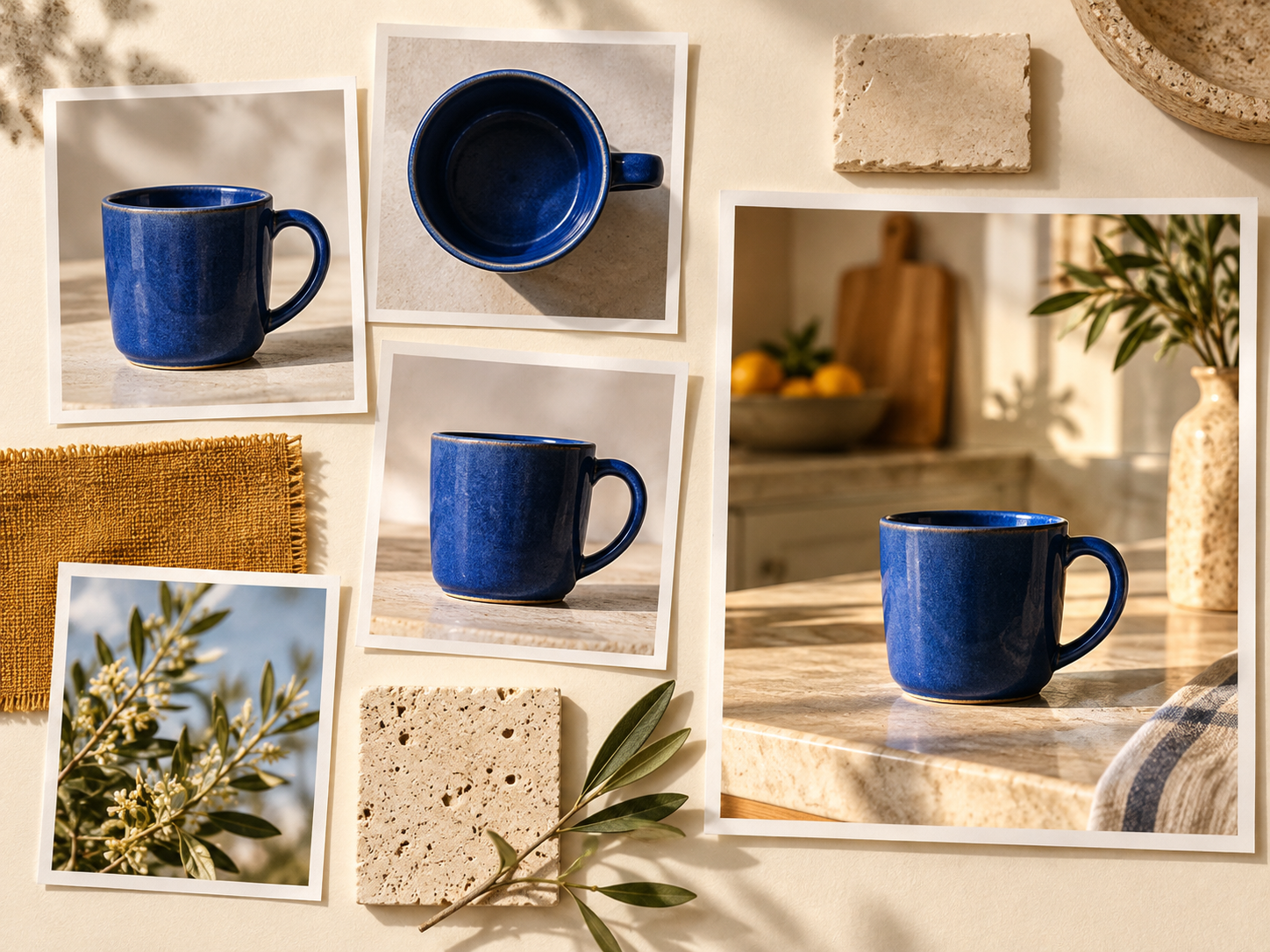
Bring your own images into the creative brief. Upload product views, scene references, or style examples, then describe the changes you want. Clear instructions about each image help communicate your intended result.

Editing with Up to 16 Reference Images
Auto, Square, Portrait, and Landscape Sizes

Auto, Square, Portrait, and Landscape Sizes

Choose a format for your next asset: square images for product cards, portrait compositions for social content, or landscape visuals for banners. The tool offers Auto plus six presets, including 1:1 HD.

Product and Campaign Concepts

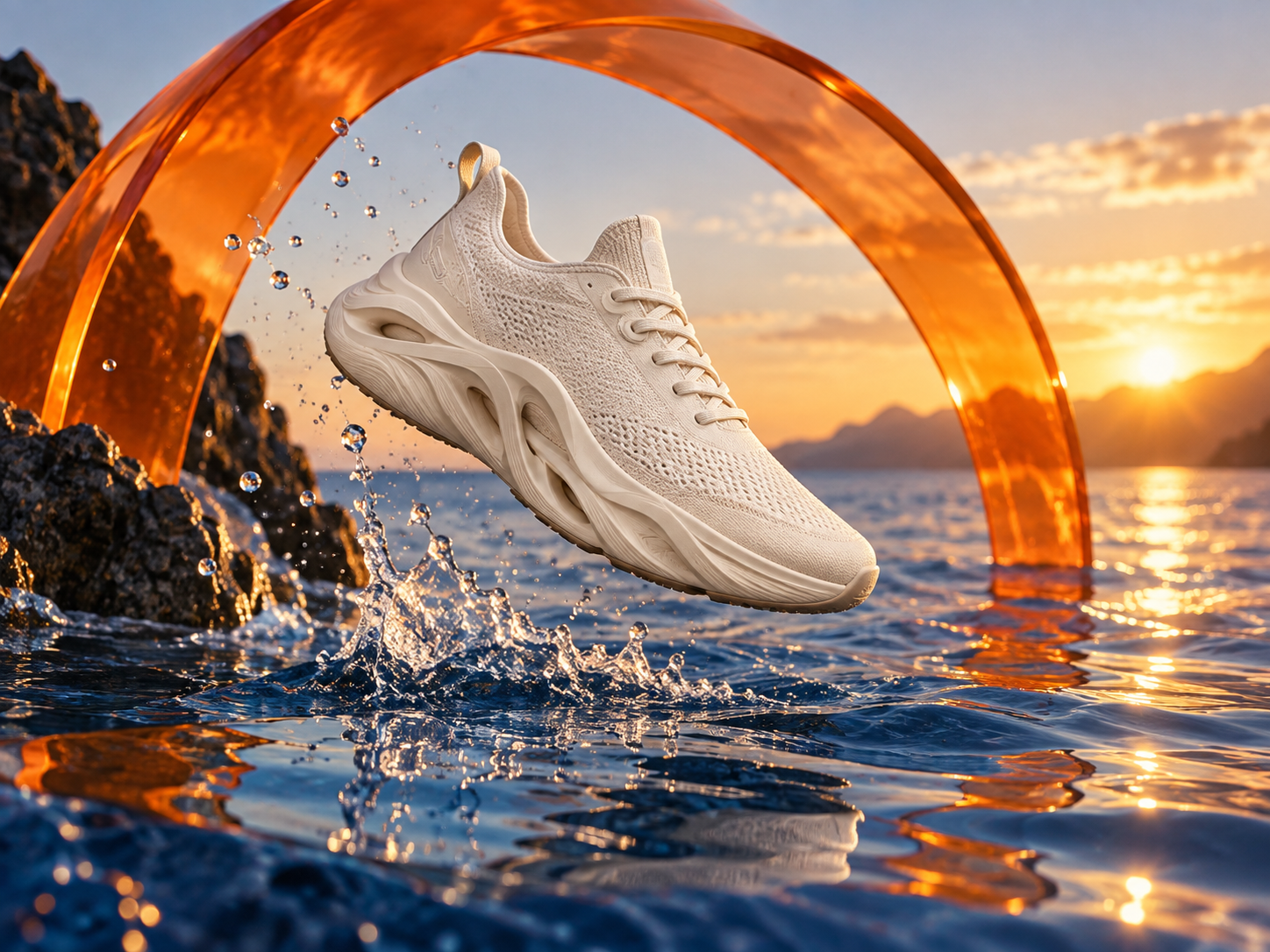
Explore a new setting for a product, a different lighting direction, or a fresh color palette. Use your prompt and optional references to develop visual ideas, then review each result before using it in your project.

Product and Campaign Concepts

Creative Prompt Ideas for GPT Image 2.5

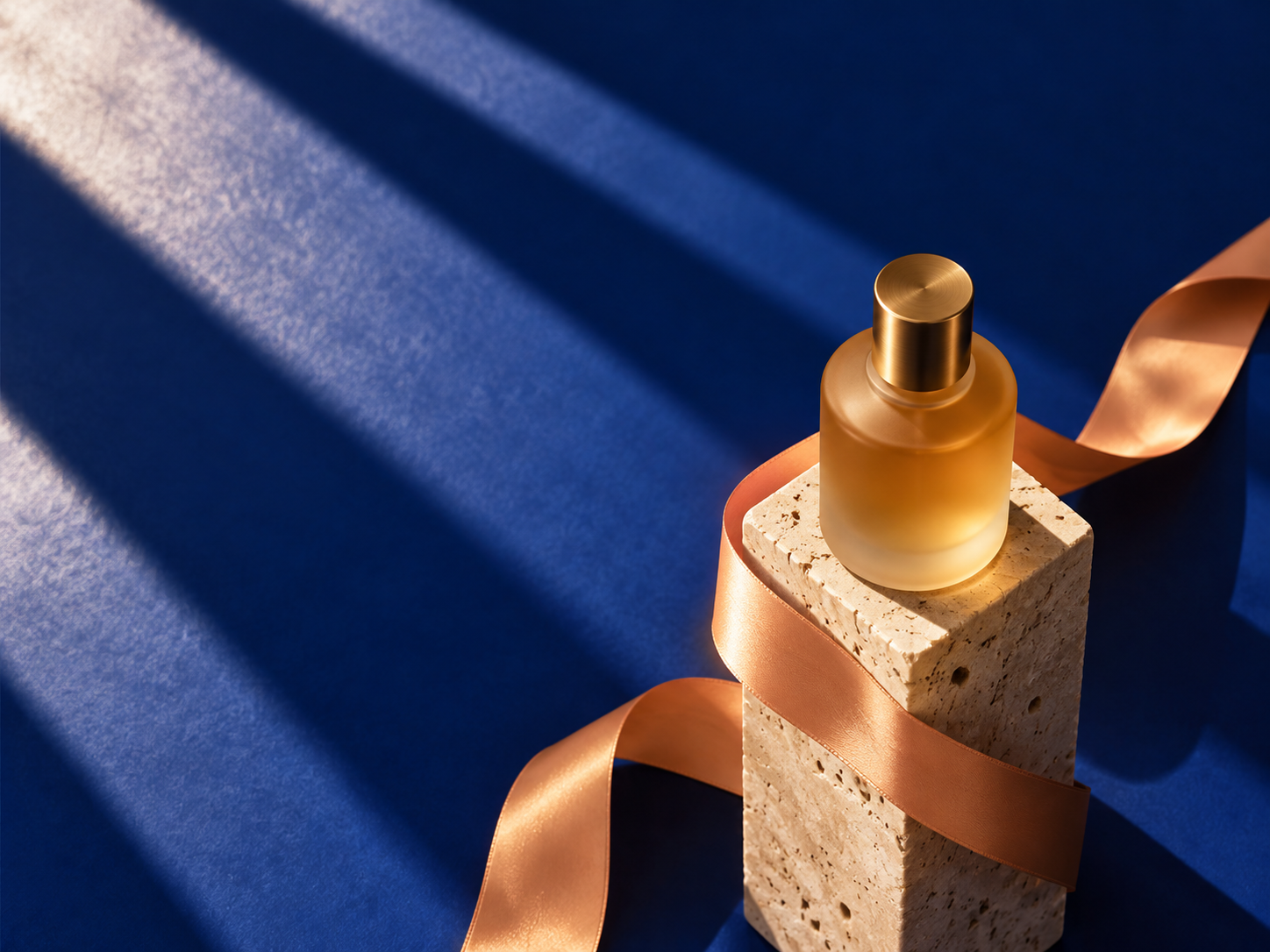
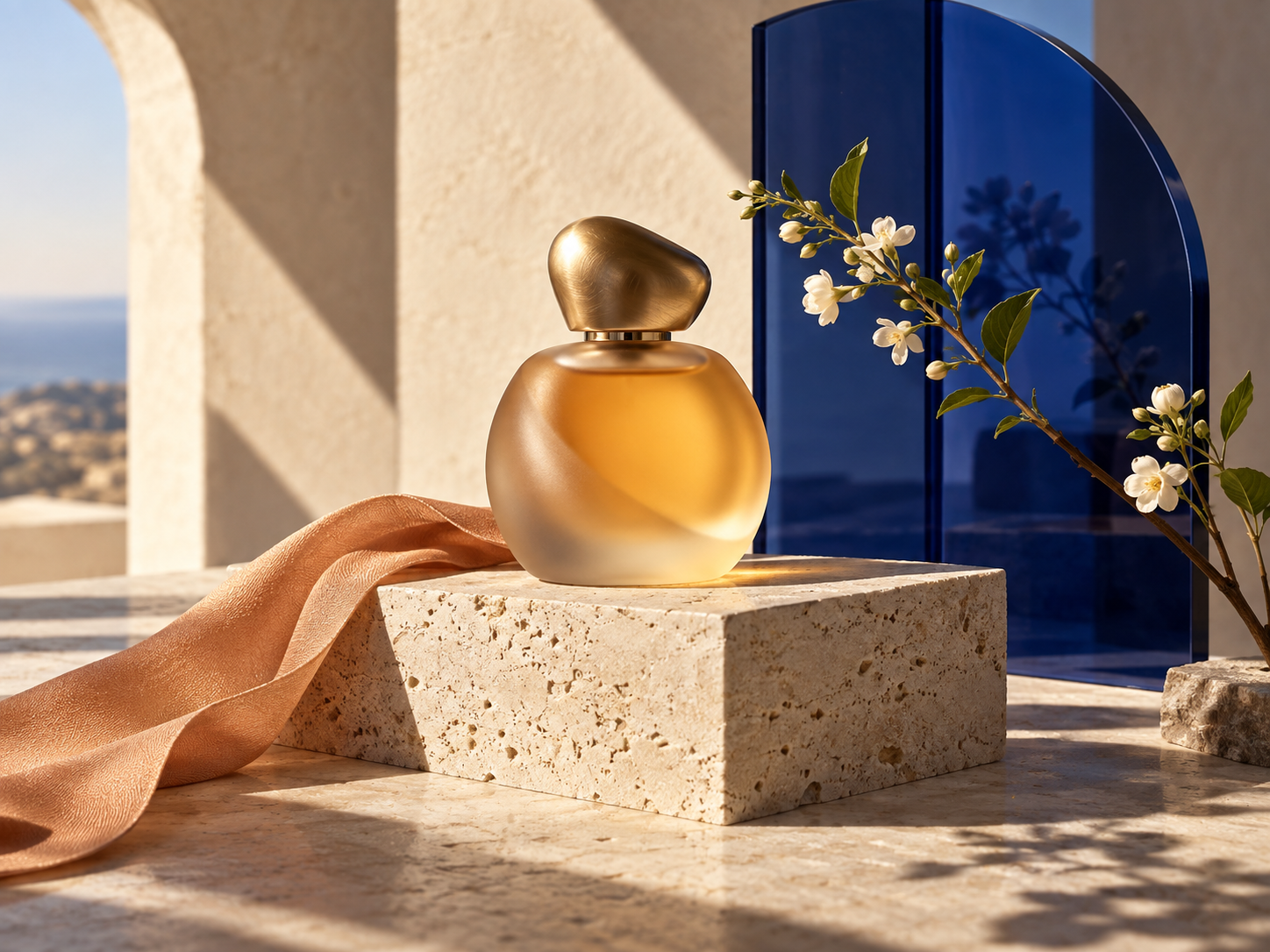
Product visual prompt idea: A frosted amber perfume bottle on a pale travertine pedestal, cobalt blue glass behind it, an apricot ribbon, warm sunlight, crisp architectural shadows, no text or logo.

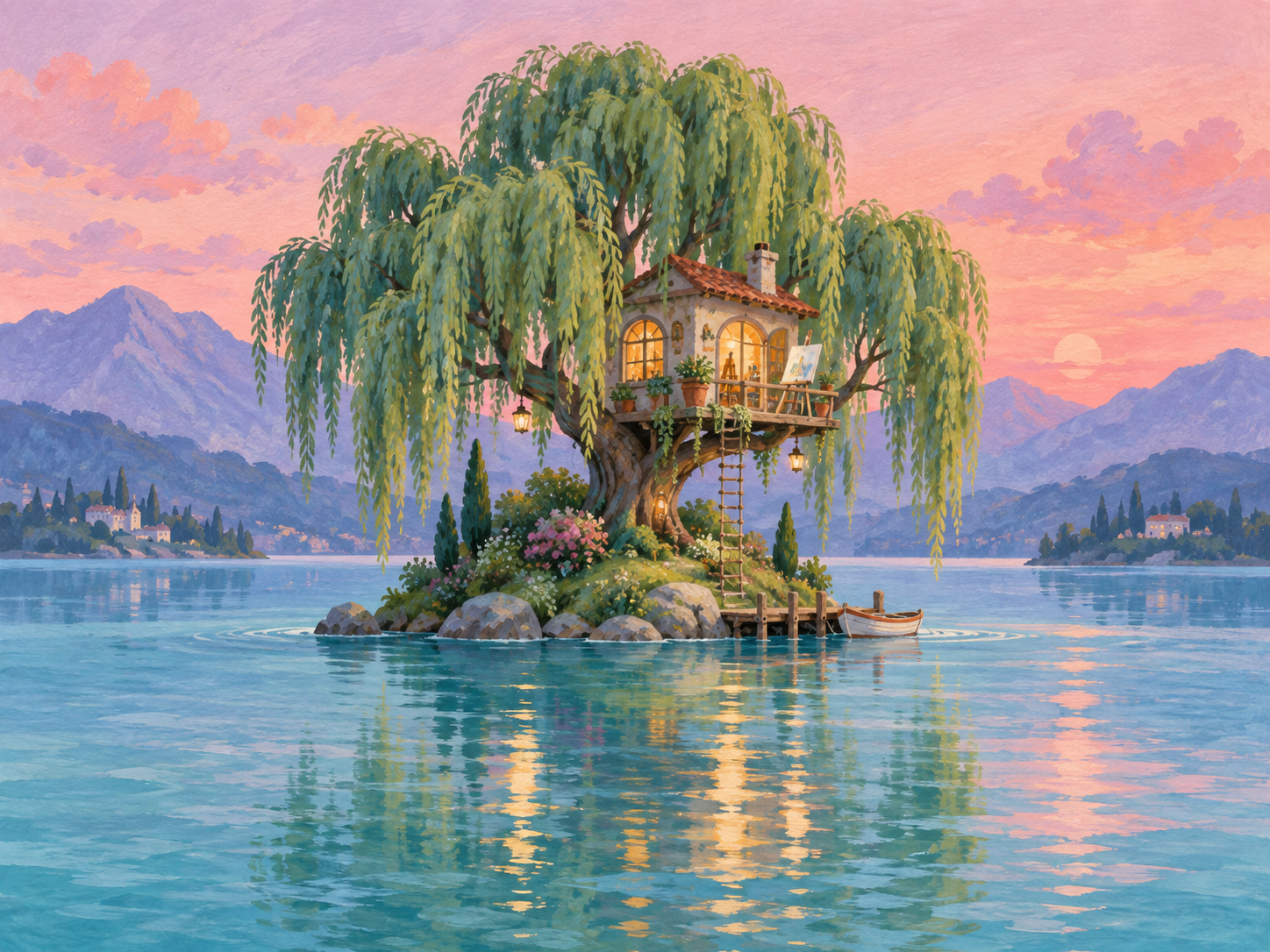
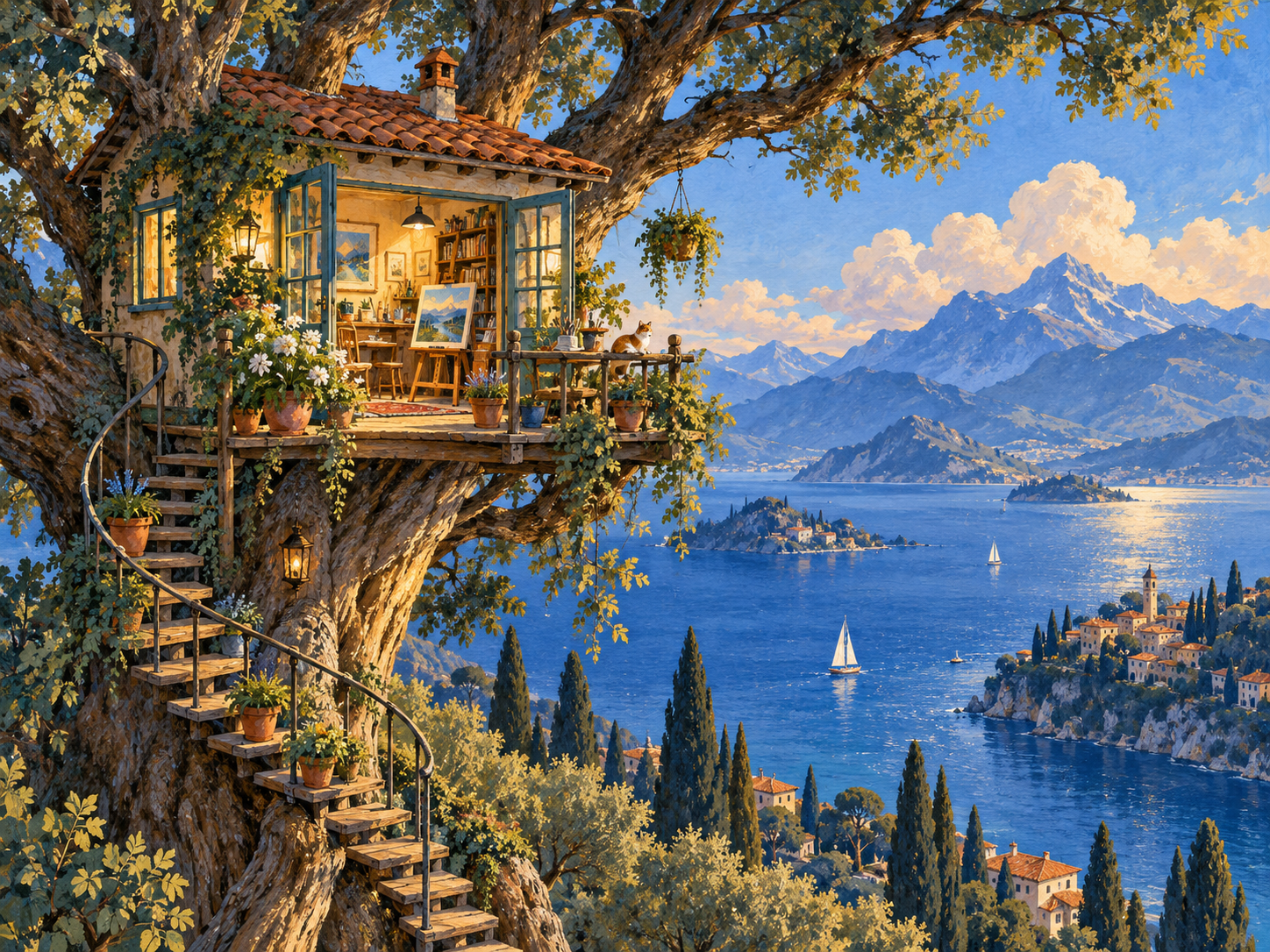
Illustration prompt idea: A tiny artist's studio in the branches of a tree above a blue lake, terracotta roof, glowing windows, potted plants, distant mountains, hand-painted gouache texture.

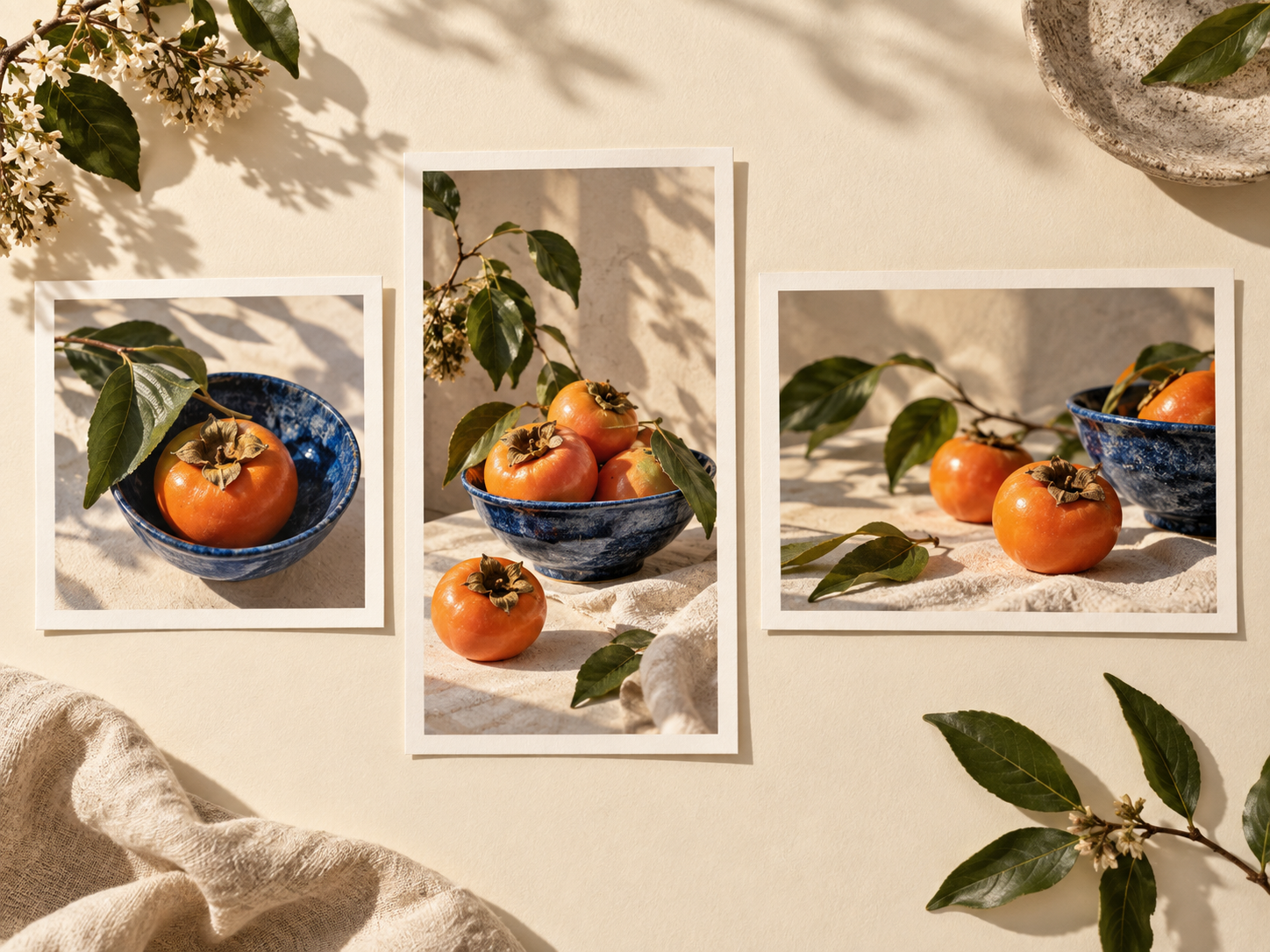
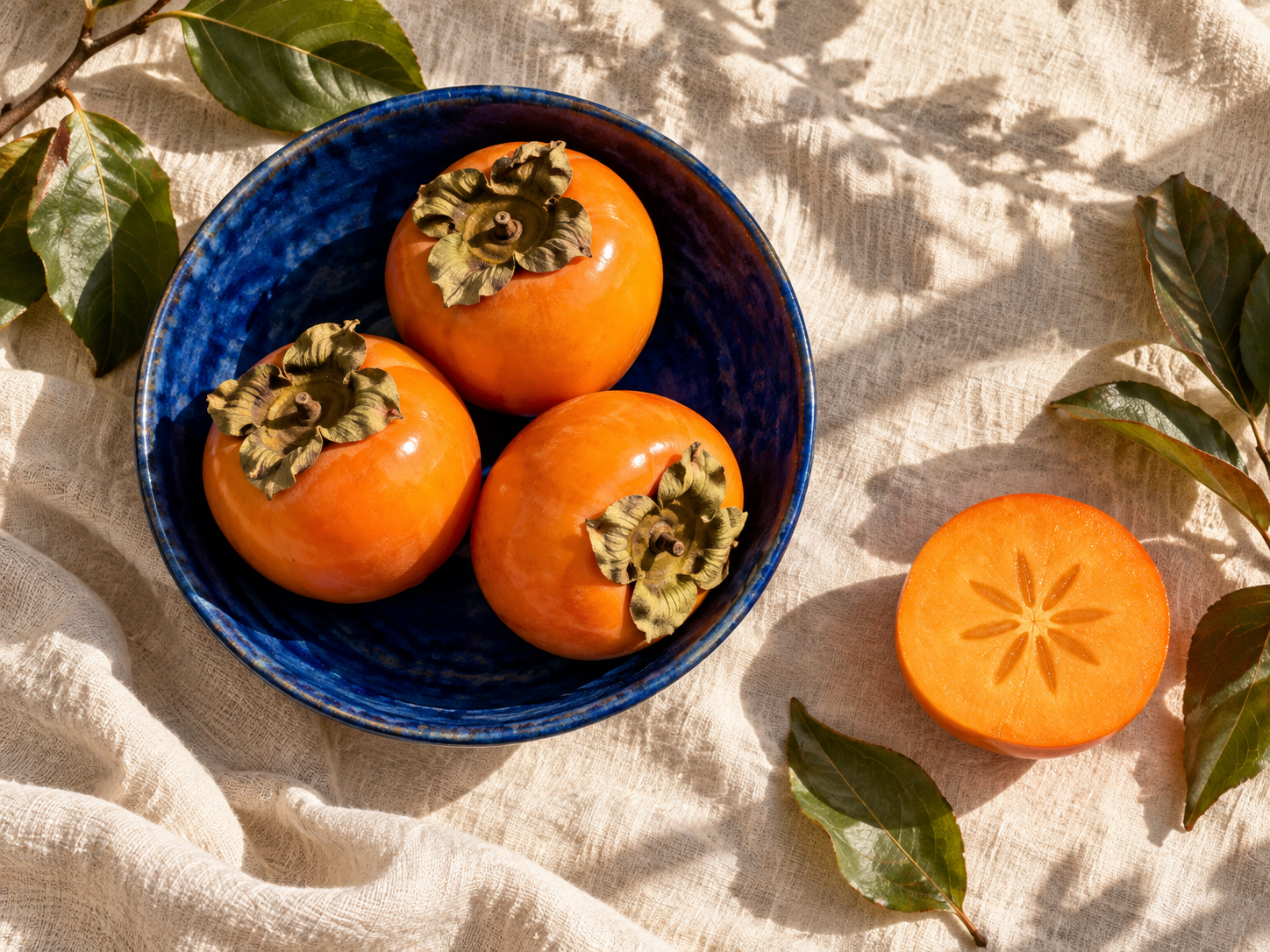
Social visual prompt idea: Orange persimmons in a cobalt ceramic bowl on warm ivory linen, botanical leaves, afternoon sunlight, tactile editorial photography. Choose a square or portrait preset for your composition.

Frequently Asked Questions