
Create a Rust Removal Video in 3 Steps
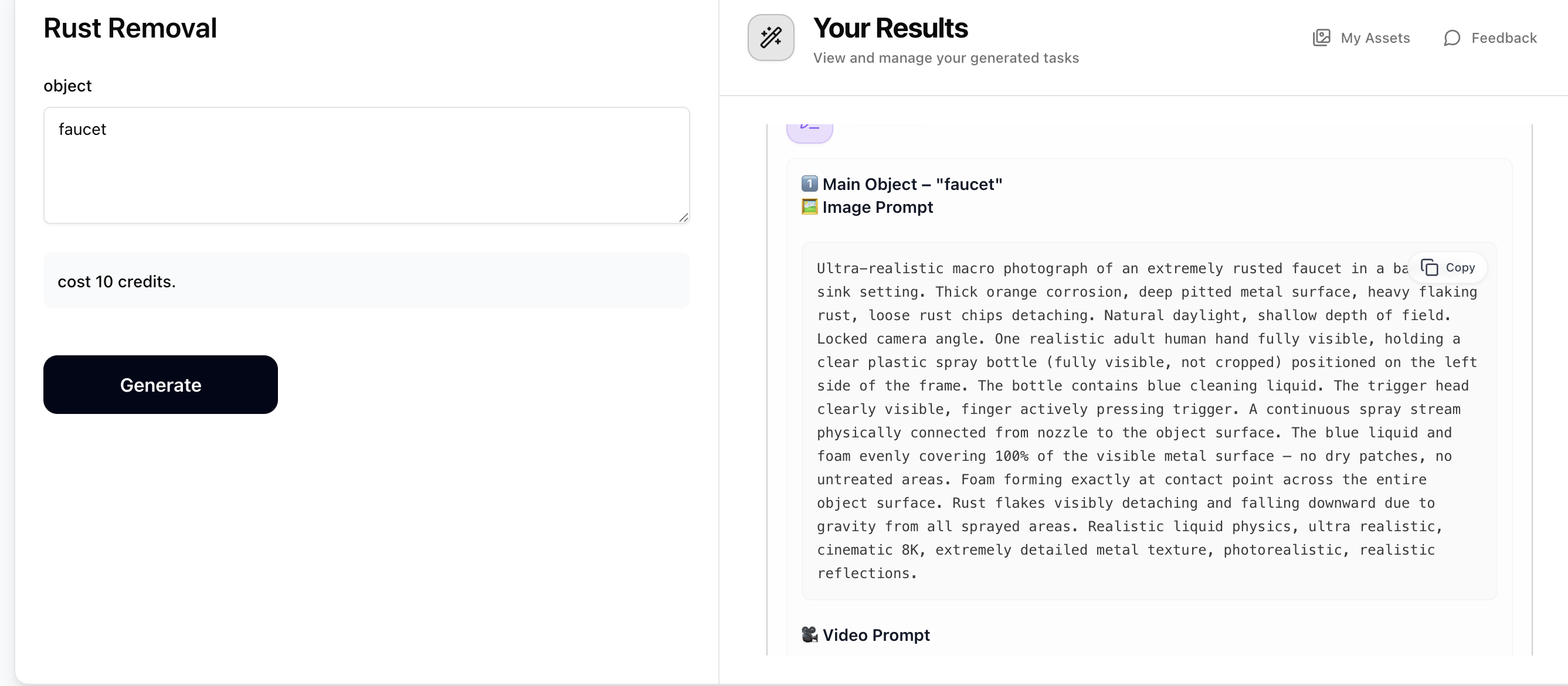
Step 1: Generate Prompts with Rust Removal
Enter a rusted object name (e.g. faucet, wrench, bicycle chain). The Rust Removal prompt generator will output 10 prompts — an 'Image Prompt' and a 'Video Prompt' for your main object, plus 4 related extra objects. Copy the Image Prompt and Video Prompt for the object you want to create. Costs just 10 credits.
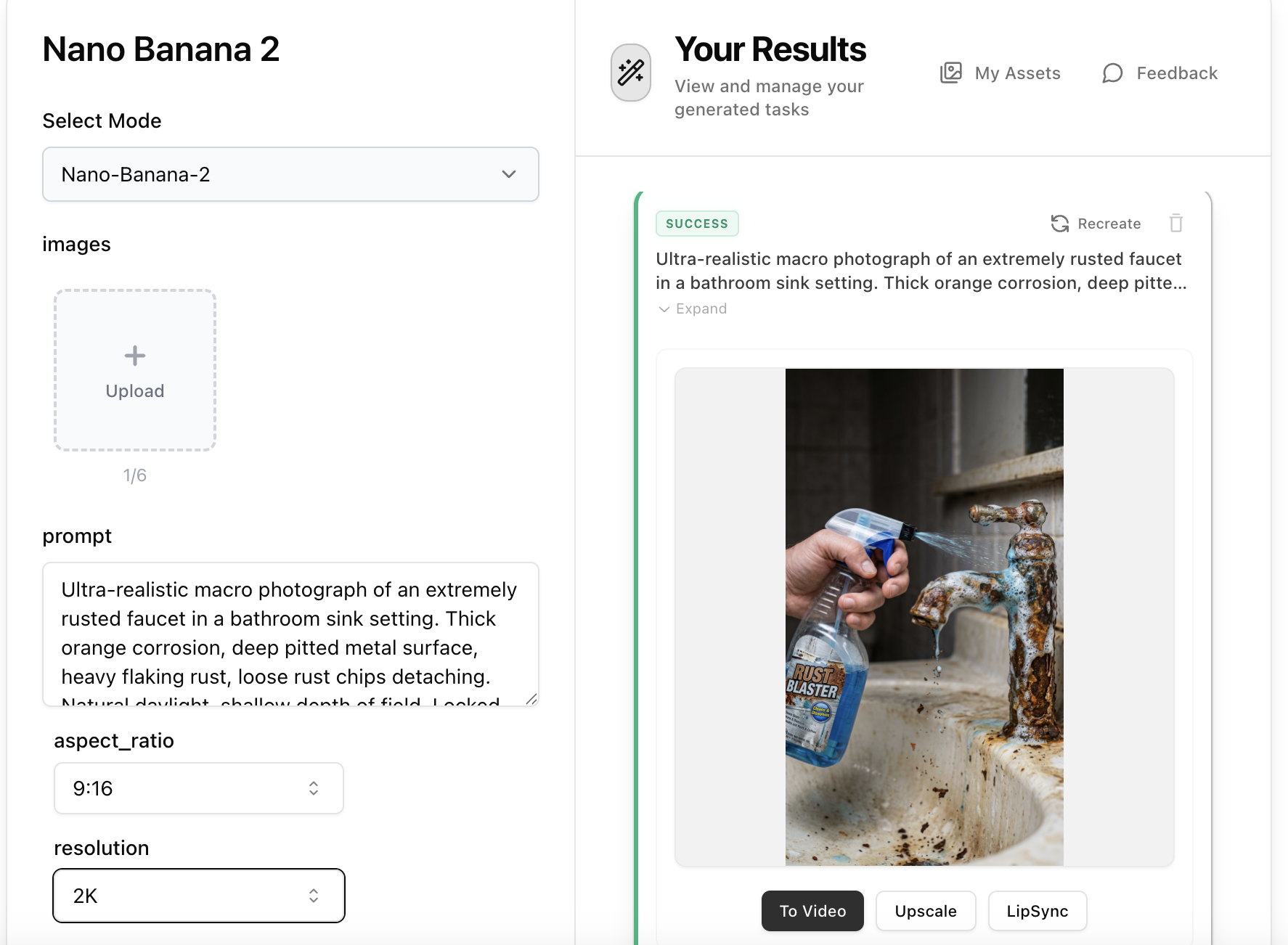
Step 2: Create the Rust Removal Image with Nano Banana 2
Open Nano Banana 2, paste the 'Image Prompt' from Step 1 into the prompt field. No reference image is needed — the prompt contains all the visual details including the rusted object, spray bottle, foam coverage, and rust detachment. Set aspect ratio to 9:16 and resolution to 2K, then generate your ultra-realistic rust cleaning image.
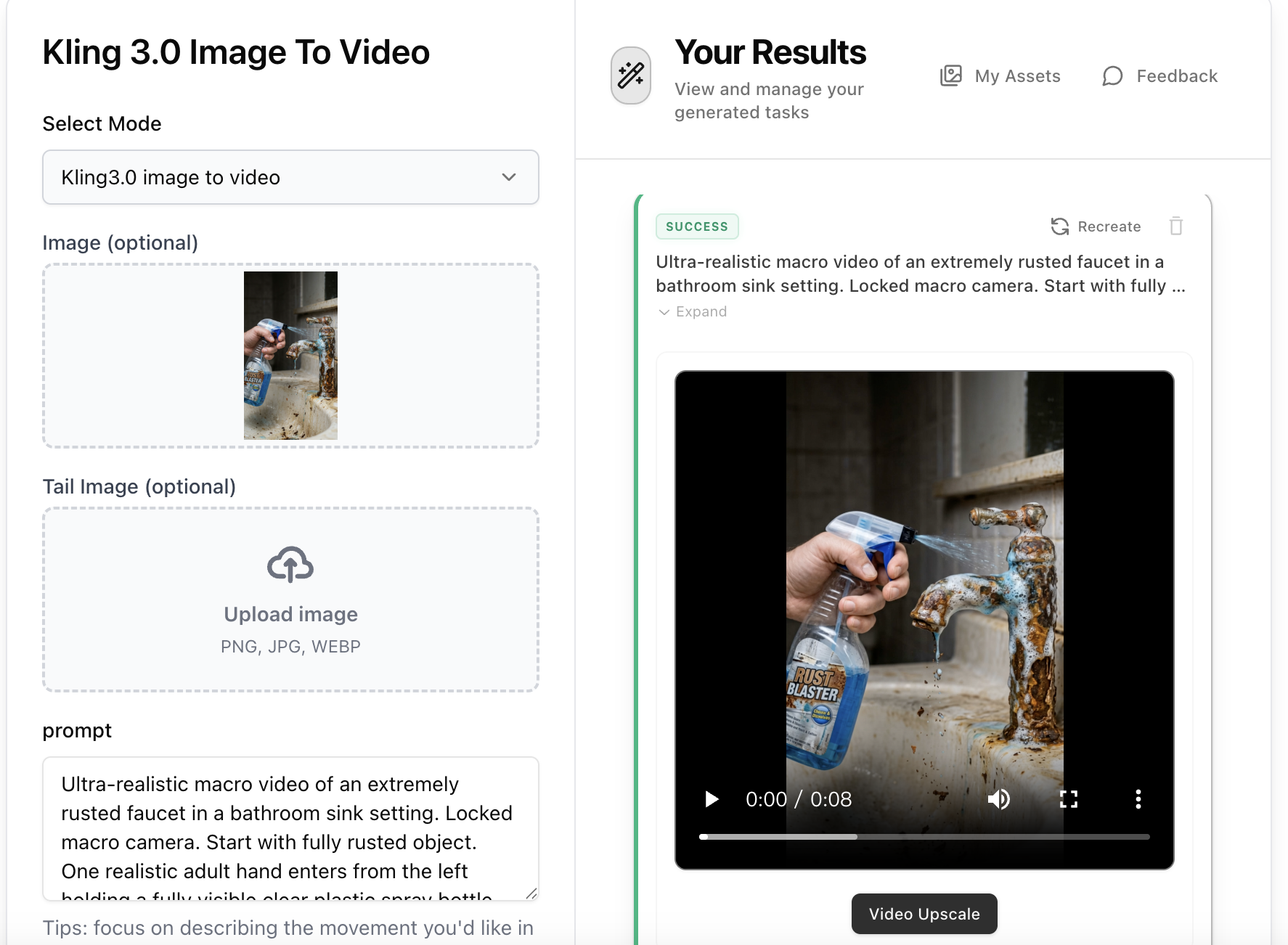
Step 3: Animate with Kling 3.0 Image-to-Video
Open Kling 3.0 Image-to-Video, upload the rust removal image from Step 2, then paste the 'Video Prompt' from Step 1 into the prompt field. The video prompt describes the full cleaning sequence — spraying, foam reaction, rust peeling, and wiping to reveal shiny metal. Select 9:16 aspect ratio and your preferred duration (5–10s recommended), then generate.