
Create a POV Roller Coaster Video in 3 Steps
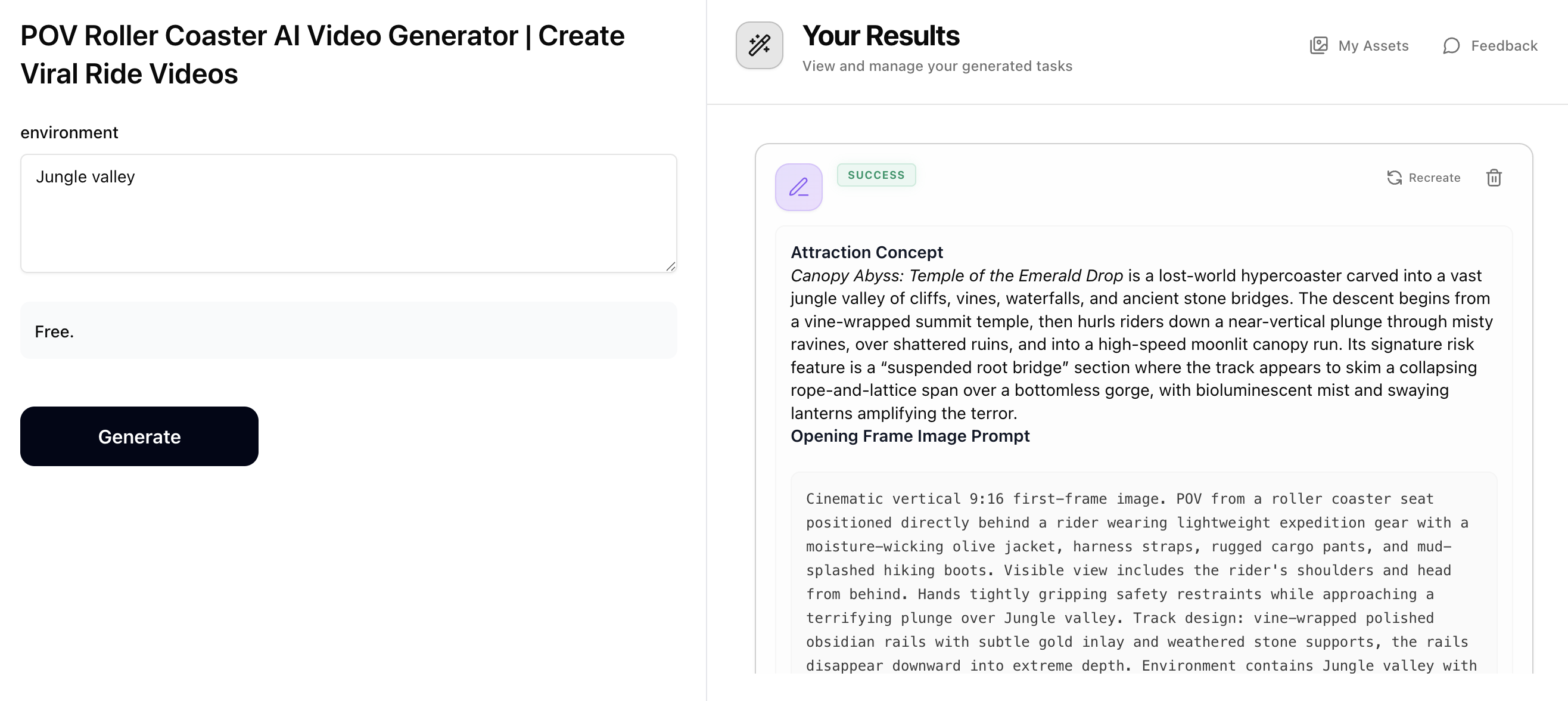
Step 1: Generate Prompts with POV Roller Coaster
Describe your dream roller coaster environment (e.g. active volcano, ocean cliffs, neon city, frozen peaks). The POV Roller Coaster prompt generator will output an 'Opening Frame Image Prompt' for creating the first-person ride image, and a 'Cinematic Motion Prompt' for animating it into a thrilling ride video. Copy both prompts — you'll use them in the next steps.
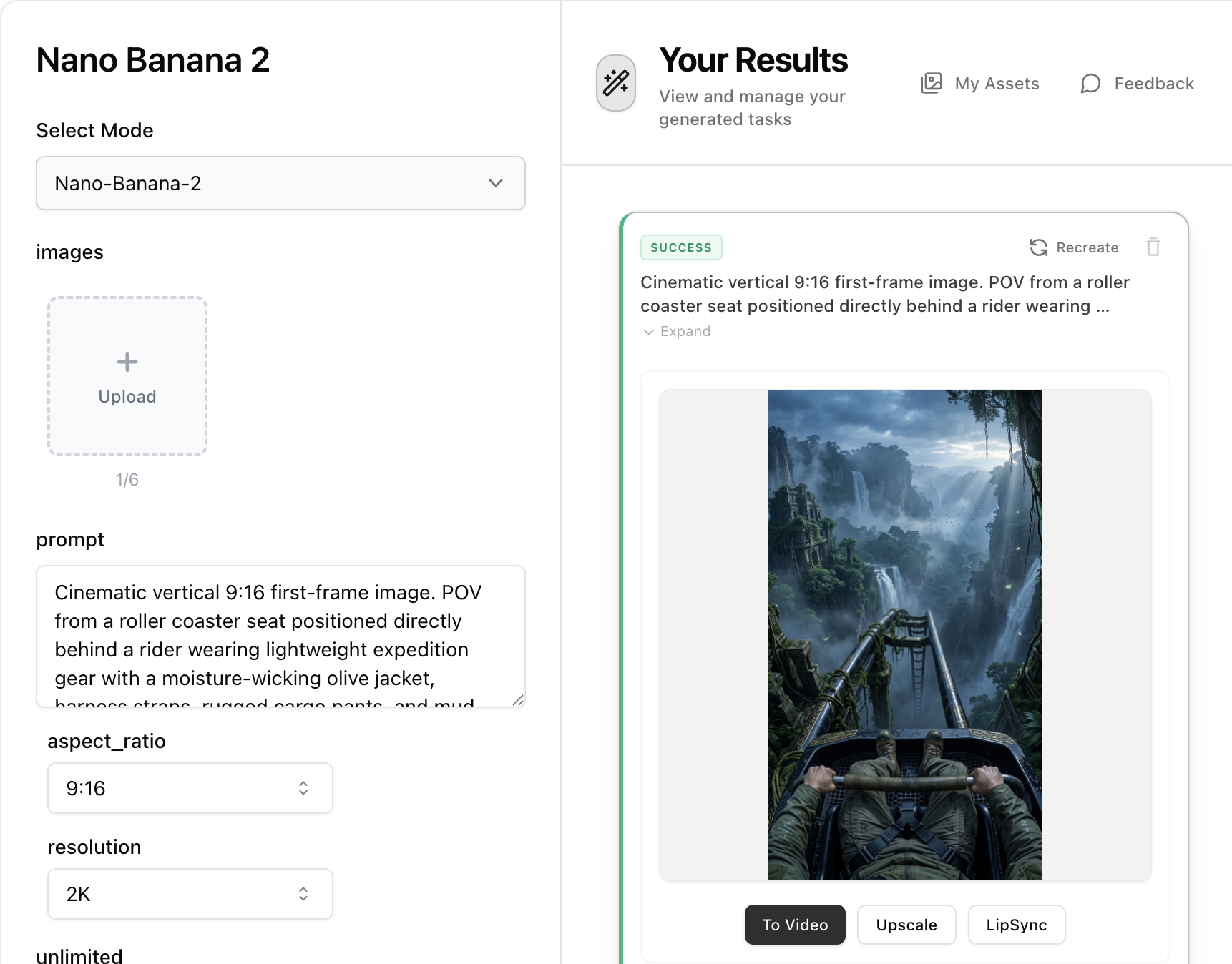
Step 2: Create the Opening Frame with Nano Banana 2
Open Nano Banana 2, paste the 'Opening Frame Image Prompt' from Step 1 into the prompt field. Set aspect ratio to 9:16 and resolution to 2K for the best vertical short-form result. Generate the hyper-realistic POV roller coaster first frame.
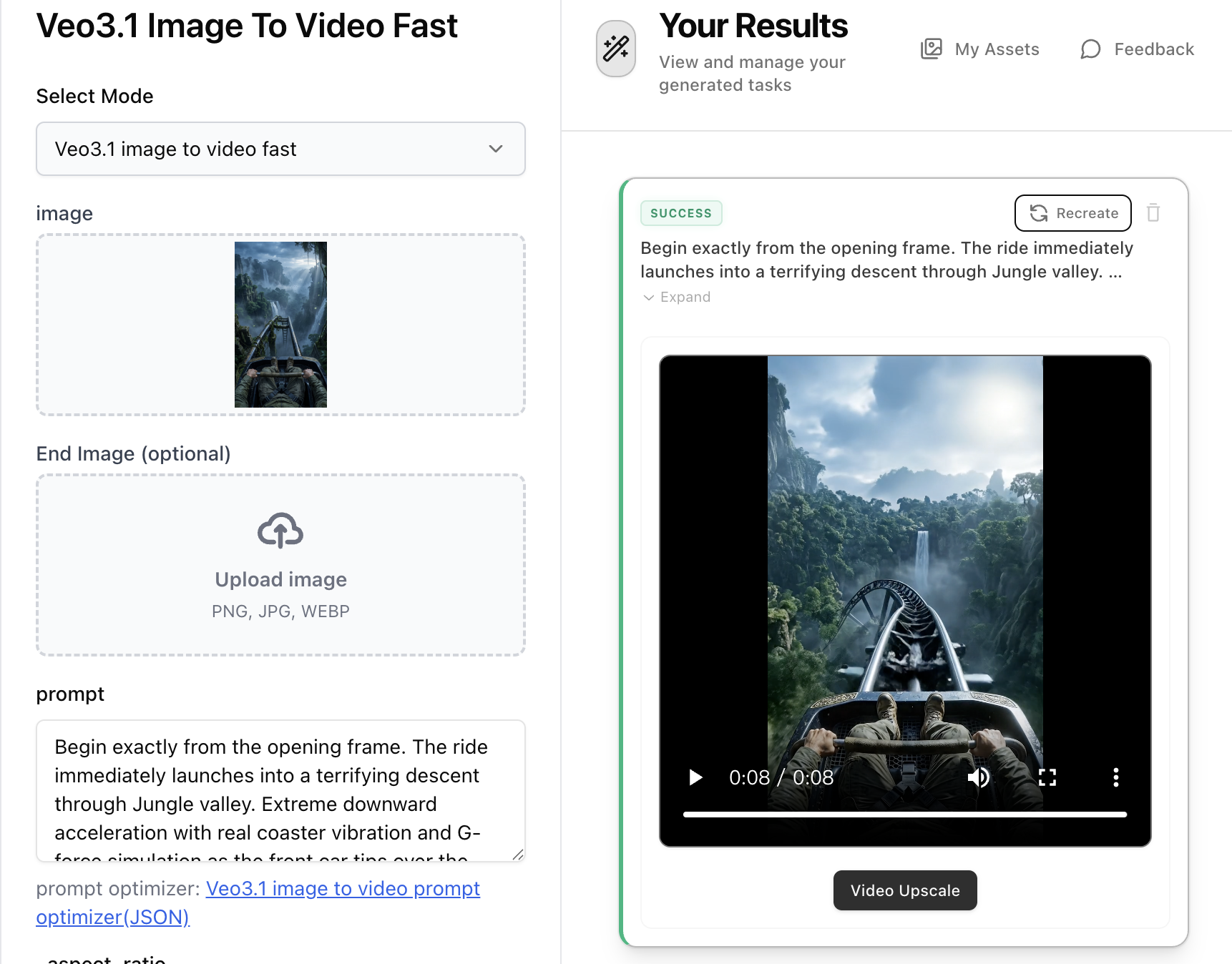
Step 3: Animate with Veo3.1 Image-to-Video
Open Veo3.1 Image-to-Video, upload the POV image generated in Step 2, then paste the 'Cinematic Motion Prompt' from Step 1 into the prompt field. The motion prompt describes extreme downward acceleration, G-force simulation, and authentic coaster dynamics. Select 9:16 aspect ratio and generate your viral POV roller coaster video.