SJinn
Explore Runable

Runable

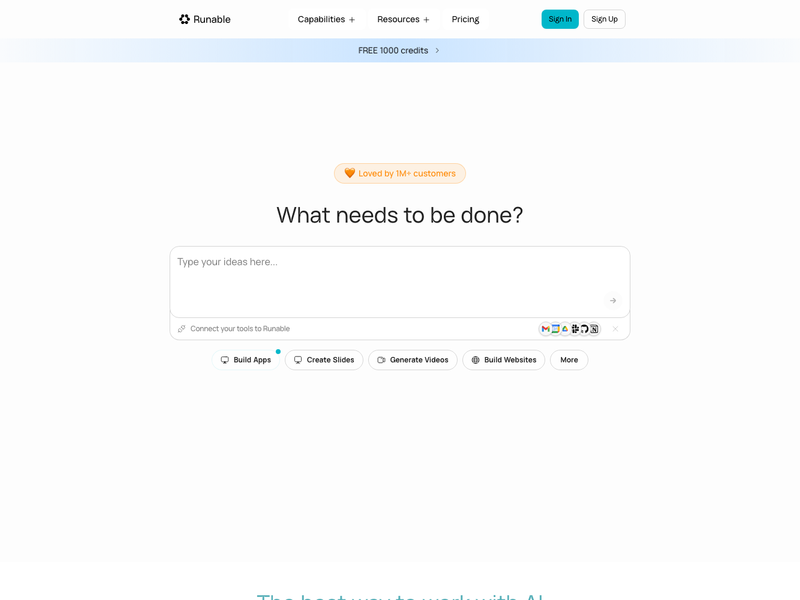
Runable is an AI agent workspace for building apps, websites, slides, videos, images, reports, and more from natural-language goals. Click the input box below to use similar features on SJinn.

What is Runable?

Runable is commonly searched as a multi-purpose AI agent platform for turning natural-language goals into finished digital artifacts, including websites, apps, slides, videos, images, reports, audio, spreadsheets, carousels, and canvas-based visual work. Its official docs describe an agent-led workflow where users describe the outcome, answer clarifying questions, review a plan, watch the agent build in real time, refine the result, and then export, share, or deploy the finished work.

What is Runable?

Key Runable Features

Explore the main Runable workflows people search for before choosing an AI creation workspace

Agent-Led Creation Workflow visual

Feature 01

Agent-Led Creation Workflow

Runable centers work around an AI agent that asks clarifying questions, creates a plan, builds the requested artifact, and supports follow-up refinements. The workflow is designed for outcome-based prompts rather than step-by-step manual setup.
Multi-Format Output visual

Feature 02

Multi-Format Output

Runable supports a broad set of creation formats, including websites, apps, slides, videos, images, reports, audio, spreadsheets, carousels, chat, and canvas-based visual projects. This makes it useful for users who want one workspace for many content and product-building tasks.

Web App Building and Deployment visual

Feature 03

Web App Building and Deployment

Runable docs describe AI Websites as a workflow for building and deploying full-stack web apps from a prompt. The documented capabilities include live URLs, database, file storage, Stripe payments, custom domains, analytics, SEO settings, and GitHub export.

Canvas, Iteration, and Rollback visual

Feature 04

Canvas, Iteration, and Rollback

Runable includes a visual canvas for arranging and editing generated assets, plus iteration features such as rollback and conversation branching. Users can revise outputs, restore earlier checkpoints, or explore alternate directions without starting over.

Frequently Asked Questions

Everything you need to know about Runable

Start creating

Create visual assets from prompts and references

Start with a prompt, add reference media when needed, and generate images or videos in the Studio workflow.

Get Started for Free