SJinn
Explore Krea AI

Krea AI

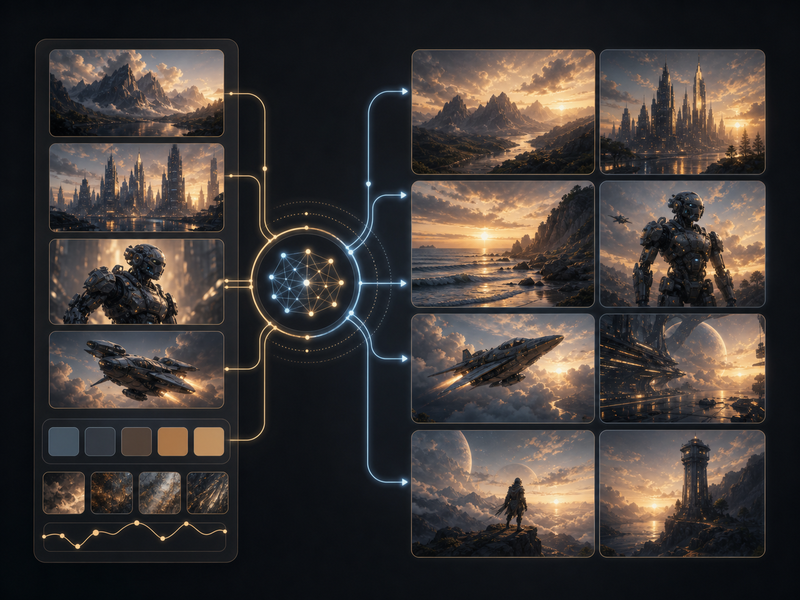
Krea AI is a creative AI suite for generating, enhancing, editing, and animating images, videos, and 3D assets. Click the input box below to use similar features on SJinn.

What is Krea AI?

Krea AI is commonly searched as an all-in-one creative AI suite for visual production. Its official homepage describes generating, enhancing, and editing images, videos, or 3D meshes with AI, while Krea documentation describes tools for image generation, real-time creation, video generation, image enhancement, editing, and training custom styles. People looking for Krea usually want a fast creative workspace where prompts, references, models, and enhancement tools can move an idea from rough direction to polished visual output.

What is Krea AI?

Key Krea AI Features

Explore the main Krea AI workflows for image, video, and creative asset generation

Realtime Image Generation visual

Feature 01

Realtime Image Generation

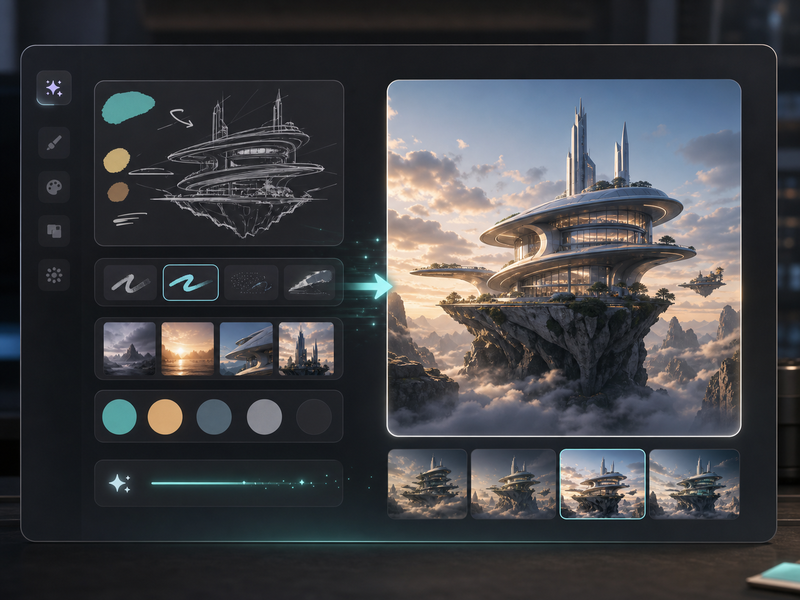
Krea documentation lists Realtime as a core feature for fast visual iteration. The workflow is useful when creators want to sketch, prompt, adjust visual controls, and see AI image changes quickly instead of waiting through a slower one-shot generation loop.
AI Video Generation visual

Feature 02

AI Video Generation

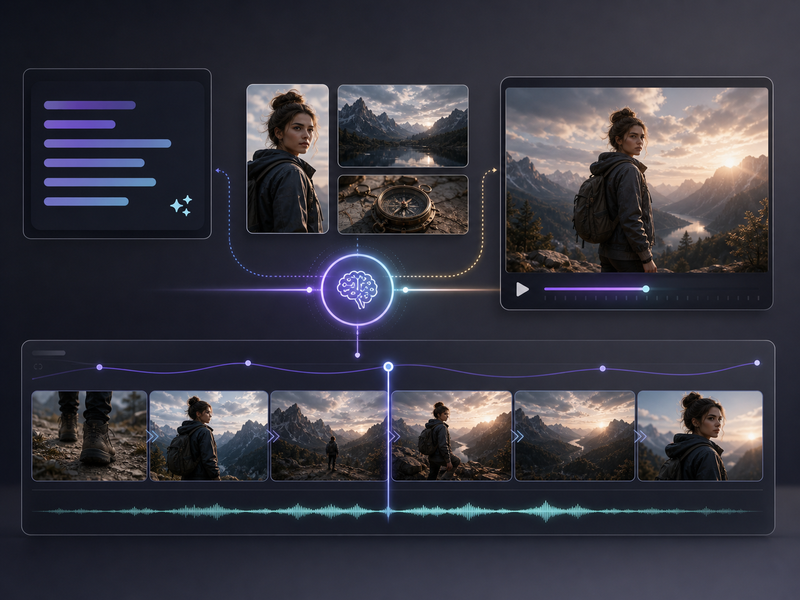
Krea official navigation and docs include video generation alongside image tools. Krea presents itself as a suite for creating images and videos, so creators can move from prompts, references, or still visuals into animated and cinematic output inside the same product family.

Enhance, Upscale, and Edit Visuals visual

Feature 03

Enhance, Upscale, and Edit Visuals

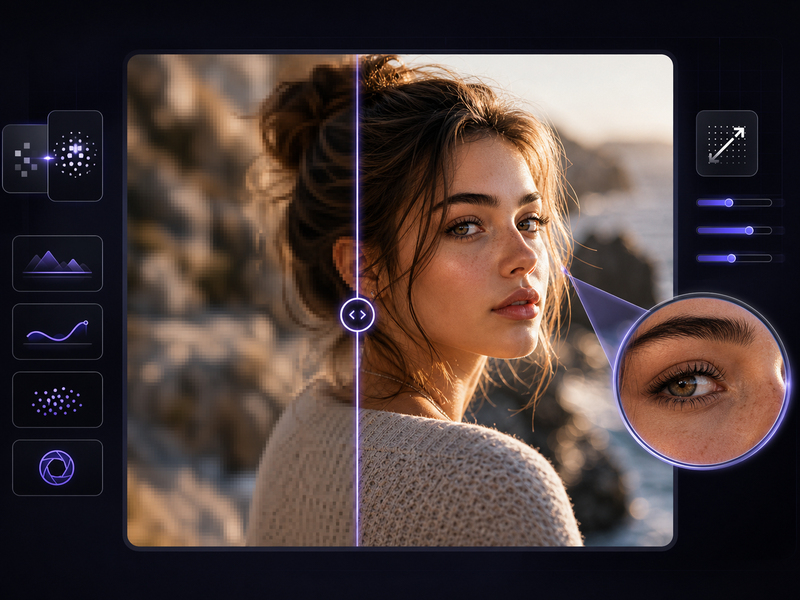
Krea highlights enhancement and editing as part of its creative suite. Its official homepage says users can generate, enhance, and edit visual assets, and the docs include an Enhancer feature for improving image quality after a draft or source image already exists.

Training and Style Workflows visual

Feature 04

Training and Style Workflows

Krea docs include Training and style-related workflows, and the product navigation lists Image LoRA Finetuning. These workflows help creators build reusable visual directions, maintain a recognizable look across outputs, and create new assets that follow a trained style or reference set.

Frequently Asked Questions

Everything you need to know about Krea AI

Start creating

Create AI visuals from prompts, images, and references

Start with a prompt, add reference media when needed, and generate image or video assets in the Studio workflow.

Get Started for Free