SJinn
Explore GoEnhance

GoEnhance

GoEnhance AI is a creative AI video and image platform for turning text, images, and videos into styled animations, generated videos, avatars, and enhanced visuals. Click the input box below to use similar features on SJinn.

What is GoEnhance AI?

GoEnhance AI is commonly searched as an AI video and image creation platform for video-to-video style transfer, AI video generation, image-to-video, avatar creation, lip sync, face swap, consistent character workflows, and image enhancement. Its official homepage describes transforming text, images, and videos into professional videos, while the AI Video Generator page describes creating videos from text prompts, images, or clips with model choice and output controls.

What is GoEnhance AI?

Key GoEnhance AI Features

Explore the main GoEnhance workflows for AI video and image creation

Video to Anime and Style Transfer visual

Feature 01

Video to Anime and Style Transfer

GoEnhance's official navigation includes Video to Video for turning uploaded video into different anime-style videos, and its AI Tools area also lists Video Style Transfer. This workflow is useful when a creator already has footage and wants a stylized version instead of generating a scene from scratch.
AI Video Generation from Text, Images, and Clips visual

Feature 02

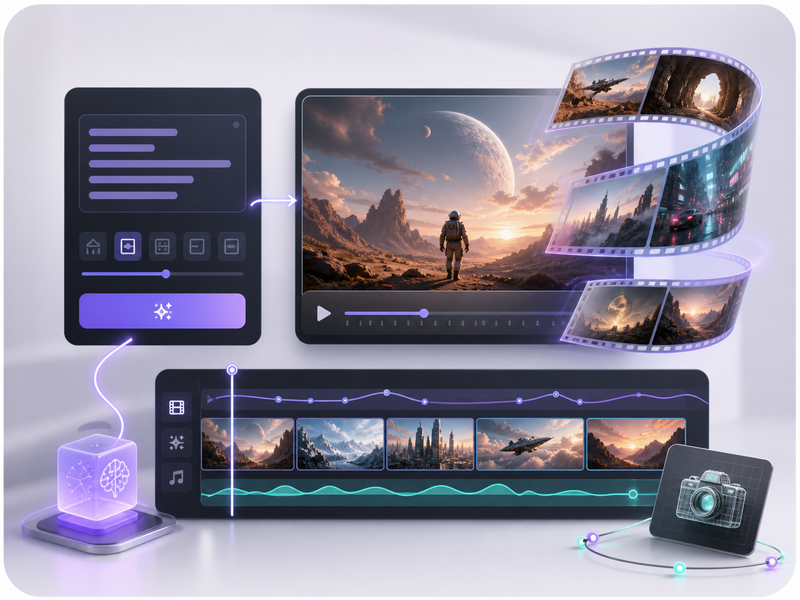
AI Video Generation from Text, Images, and Clips

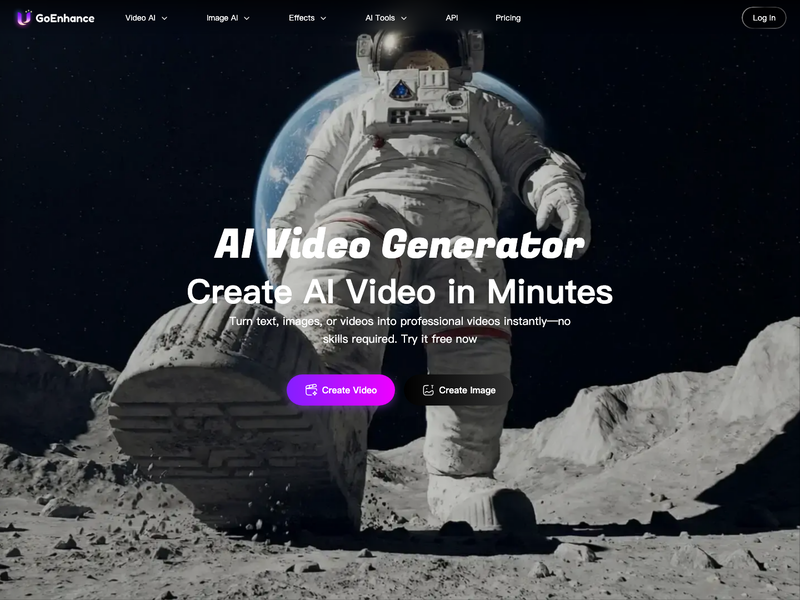
GoEnhance's AI Video Generator page describes transforming text, images, or clips into professional-quality videos. This workflow helps creators start from a written idea, a reference image, or existing clip material and then generate a video draft with AI.

Multiple Video Models and Output Controls visual

Feature 03

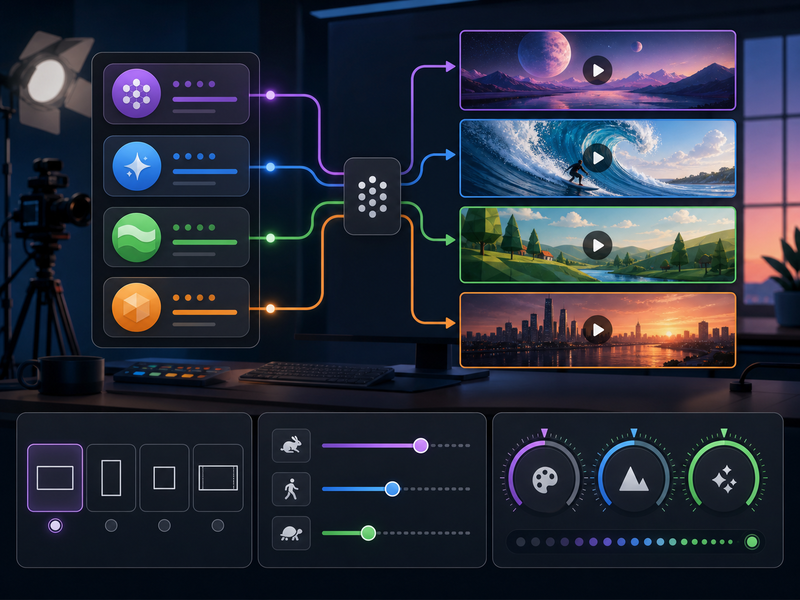
Multiple Video Models and Output Controls

GoEnhance's video generator page highlights access to multiple models such as Veo, Kling, Seedance, Wan, and more. It also describes settings such as model choice, creativity level, motion intensity, aspect ratio, and quality, giving creators more control over how a video prompt becomes an output.

Avatars, Lip Sync, Face Swap, and Image Enhancement visual

Feature 04

Avatars, Lip Sync, Face Swap, and Image Enhancement

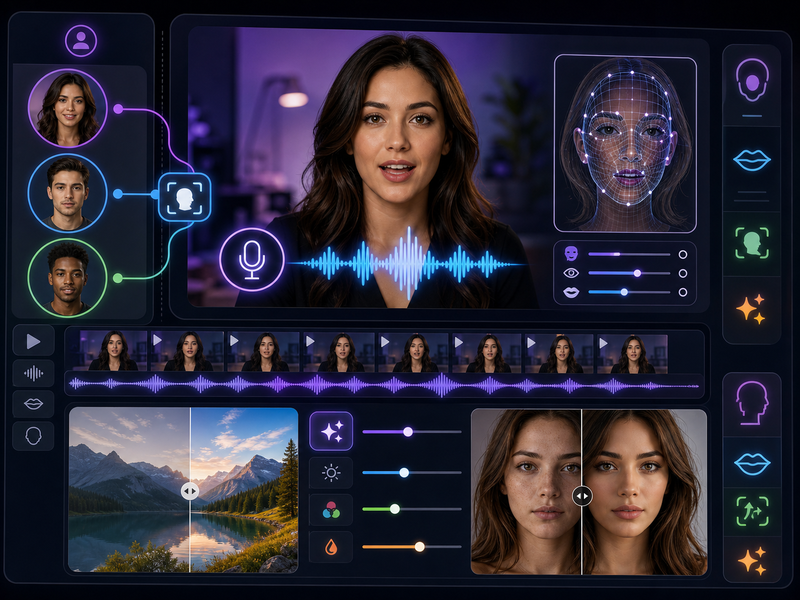
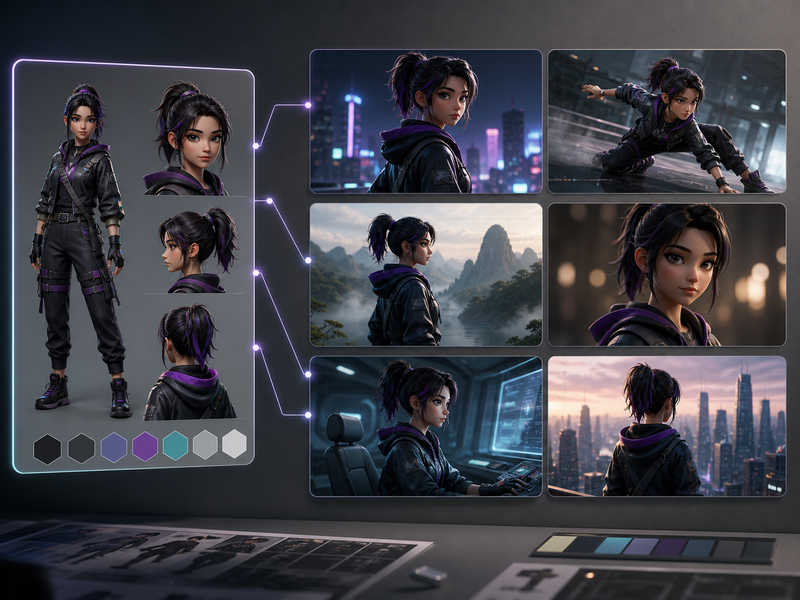
GoEnhance's homepage lists related creative tools such as AI Talking Avatar, Lipsync Video, Video Face Swap, Consistent Character, AI Image Generator, and Image Enhancer. Those tools extend the workflow beyond a single video generation step into character presentation, speech alignment, visual cleanup, and reusable creative assets.

Frequently Asked Questions

Everything you need to know about GoEnhance AI

Start creating

Create AI videos from prompts, images, and references

Start with a prompt, add reference media when needed, and generate video in the Studio workflow.

Get Started for Free