SJinn
Explore EaseMate AI

EaseMate AI

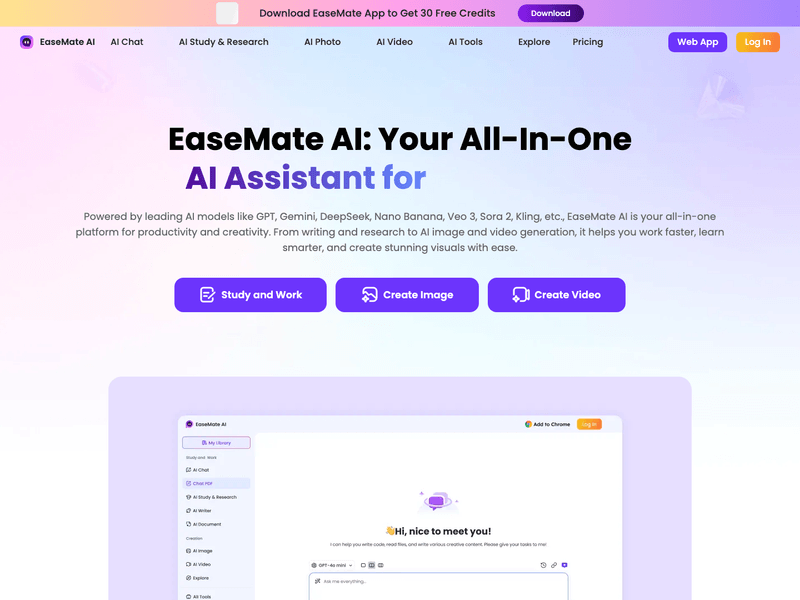
EaseMate AI is an all-in-one AI assistant from EaseUS with chat, writing, PDF, image, and video tools. Click the input box below to try prompt-based AI video creation in SJinn.

What is EaseMate AI?

EaseMate AI is commonly searched as an all-in-one AI assistant for chat, writing, PDF work, image generation, and video generation. Its official pages describe tools for AI chat, AI search, ChatPDF, AI image generation, image-to-video, and text-to-video workflows. People looking for EaseMate AI usually want a single workspace where they can move from an idea or reference image into a polished visual asset without switching between many separate tools.

What is EaseMate AI?

EaseMate AI Features for Creative Generation

Explore the creative capabilities EaseMate AI highlights

All-in-One AI Workspace visual

Feature 01

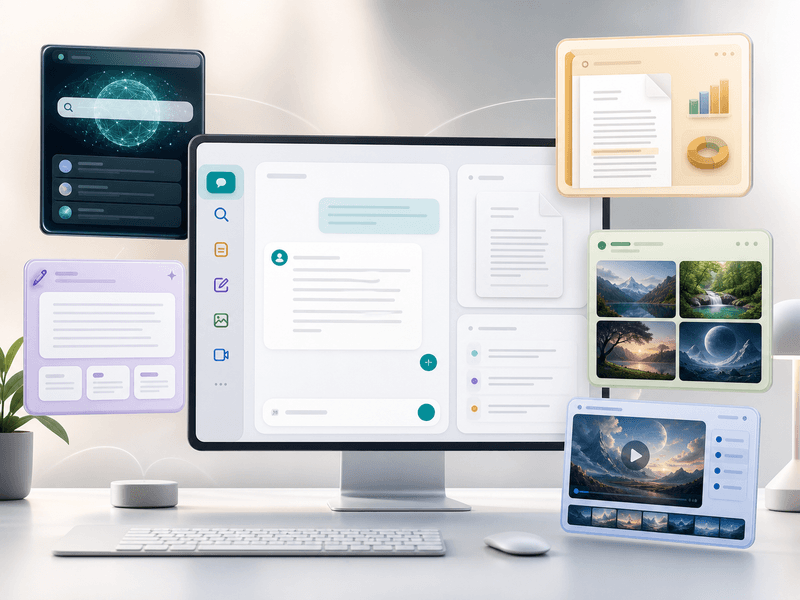
All-in-One AI Workspace

EaseMate AI presents itself as one assistant for everyday AI tasks, combining chat, search, writing, PDF analysis, and creative generation. For creators, that broader workspace matters because research, prompt drafting, image creation, and video generation can start from the same product family instead of separate utilities.
AI Image and Style Tools visual

Feature 02

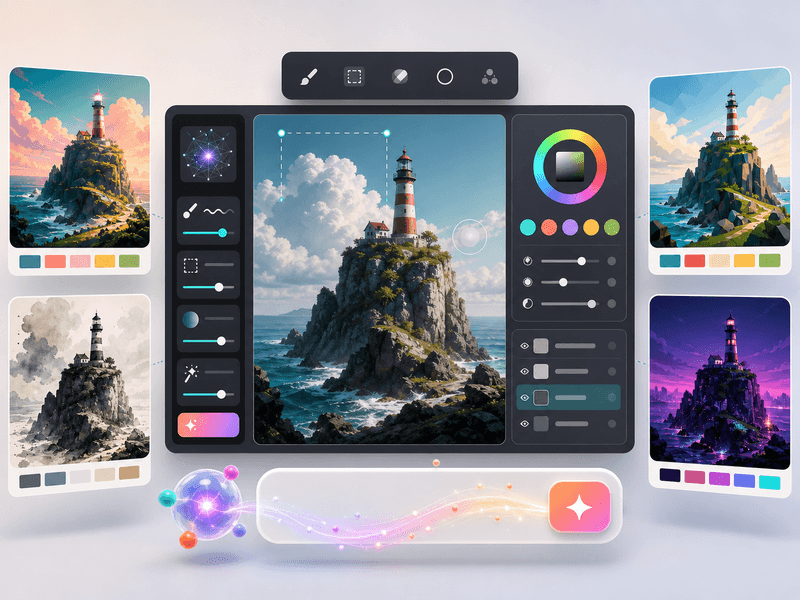
AI Image and Style Tools

EaseMate AI's creative pages include AI image generation and related visual tools for turning prompts into images. The product also highlights style-oriented workflows such as cartoon, headshot, logo, and background generation, giving users a fast way to produce starting visuals before animating or editing them.

Text and Image to Video visual

Feature 03

Text and Image to Video

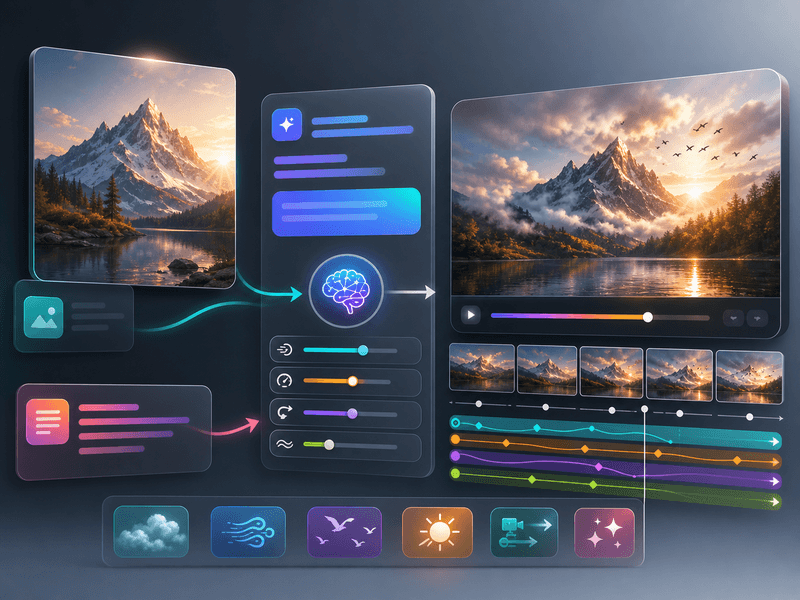
EaseMate AI publishes dedicated pages for AI video generation and image-to-video generation. Those pages describe creating videos from text prompts, uploading images as references, selecting settings such as aspect ratio or duration where available, and downloading generated videos for social or creative use.

Model Choice and Output Controls visual

Feature 04

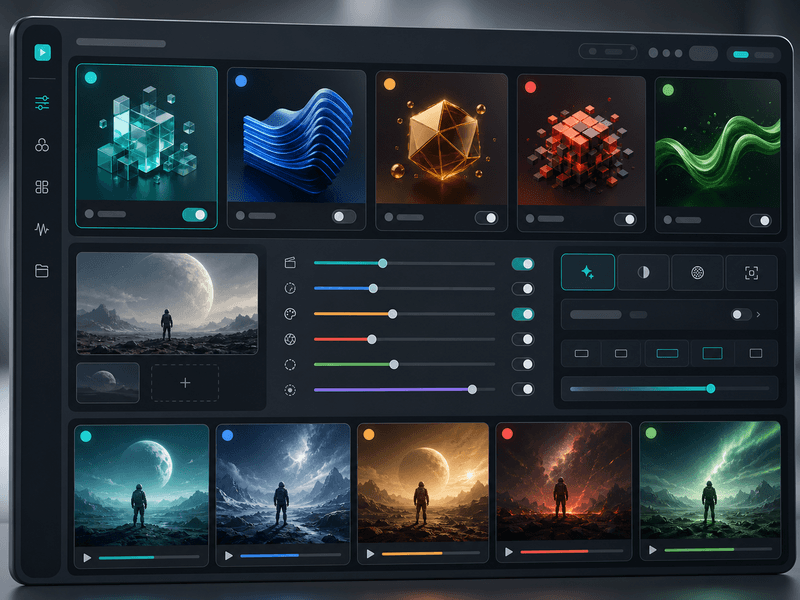
Model Choice and Output Controls

EaseMate AI's video pages mention access to multiple popular AI video models, including Veo, Runway, Seedance, Kling, Wan, and Hailuo. The value for creators is model choice: the same prompt or reference can be explored through different model families depending on motion, style, and output needs.

Frequently Asked Questions

Everything you need to know about EaseMate AI

Start creating

Create AI videos from prompts and images

Start with a prompt, add reference media when needed, and generate video in the Studio workflow.

Get Started for Free