SJinn
Explore Anijam

Anijam

Anijam is an AI animation agent for turning text, scripts, images, audio, and character ideas into animated videos. Click the input box below to use similar features on SJinn.

What is Anijam?

Anijam is commonly searched as an AI animation platform for creators who want to move from an idea into an animated story. Its official site describes an AI Animation Agent for Everyone with text-to-animation, script-to-animation, image-to-animation, audio-to-animation, and character animation workflows. The site also highlights animation styles such as Ghibli-style looks, Minecraft-style 3D worlds, 3D cinematic rendering, and classic cartoon styles, plus use cases for YouTube, marketing, social media, education, business, and holiday content.

What is Anijam?

Key Anijam Features

Explore the main Anijam workflows for AI-assisted animation

Text, Script, Image, and Audio to Animation visual

Feature 01

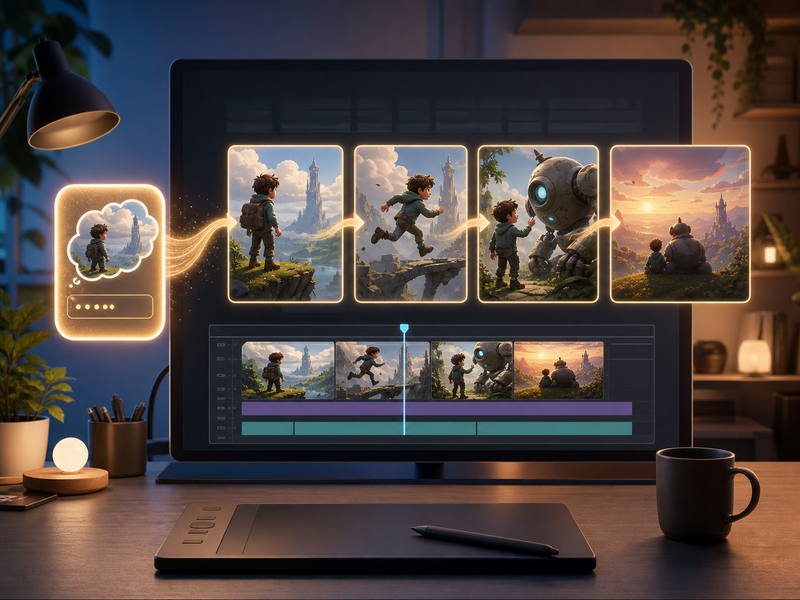
Text, Script, Image, and Audio to Animation

Anijam presents multiple starting points for animation. Users can type a prompt, turn a full script into scenes, bring an image to life, animate from voice or music, or create and animate an AI character. That makes it useful for creators who already have a story outline, a reference image, or an audio idea and want a faster path to animated video.
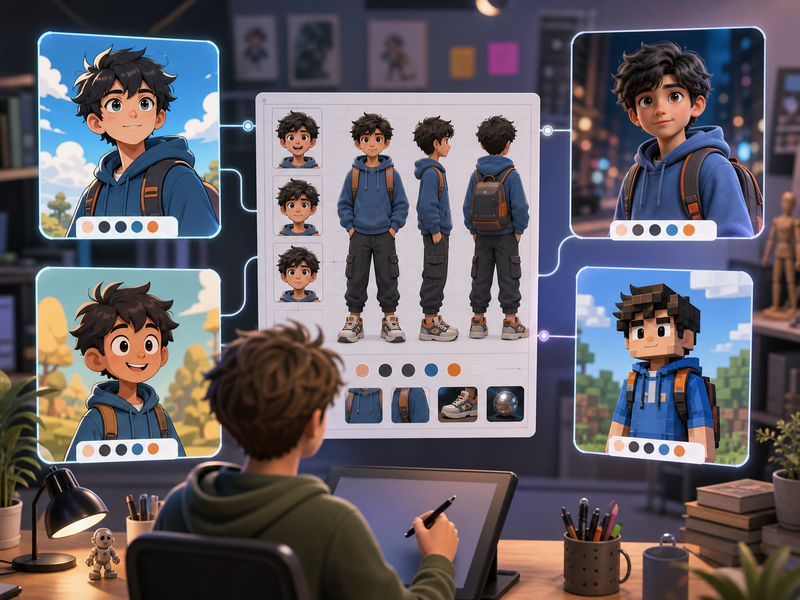
Animation Styles and Character Workflows visual

Feature 02

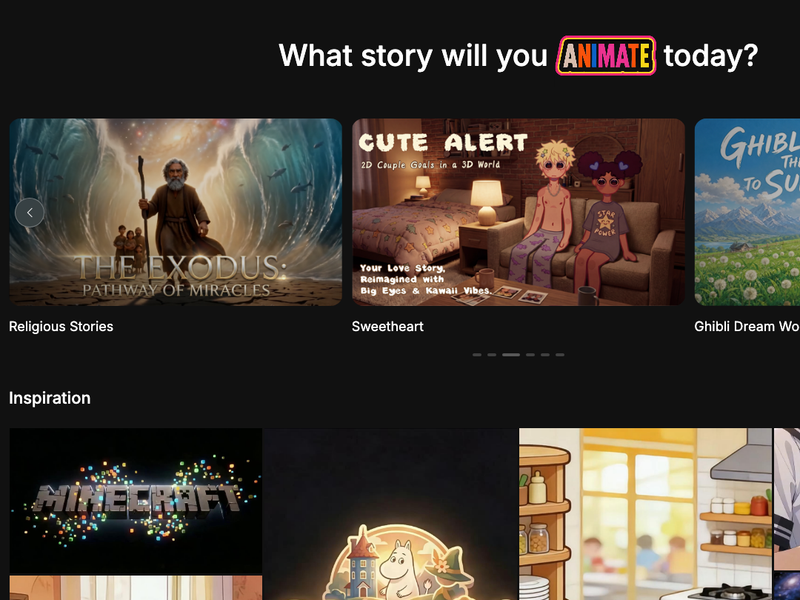
Animation Styles and Character Workflows

Anijam highlights visual styles such as soft hand-painted anime-style looks, block-style 3D worlds, cinematic 3D, and classic 2D cartoon aesthetics. Its character animation and avatar tools also focus on creating characters, animating them, and keeping the workflow centered on story scenes rather than one-off static images.

Lip Sync and Voice Generation visual

Feature 03

Lip Sync and Voice Generation

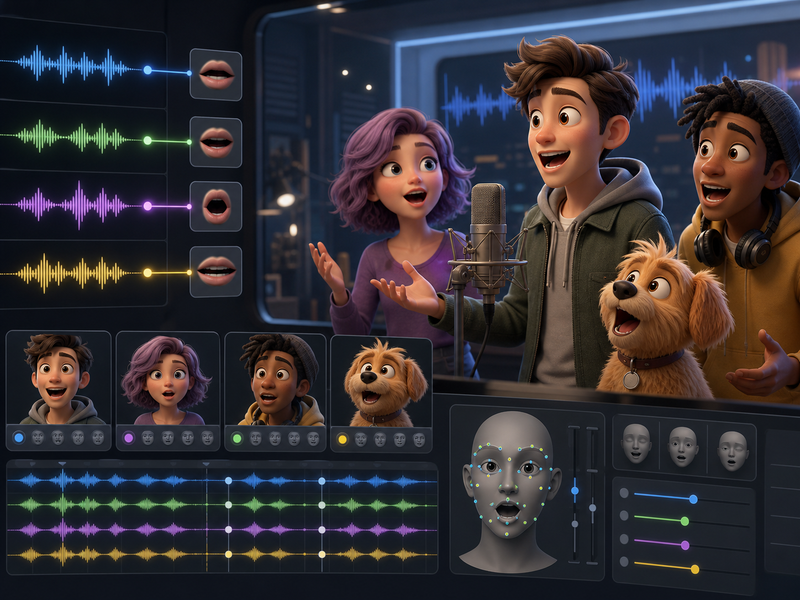
Anijam lists lip sync as an advanced feature for syncing mouth movement to audio and describes voice generation in more than 30 languages. Its tool pages also describe talking avatar and audio-to-animation workflows, which are useful for dialogue, explainers, character shorts, and narrated animation.

Scene and Timeline Editing visual

Feature 04

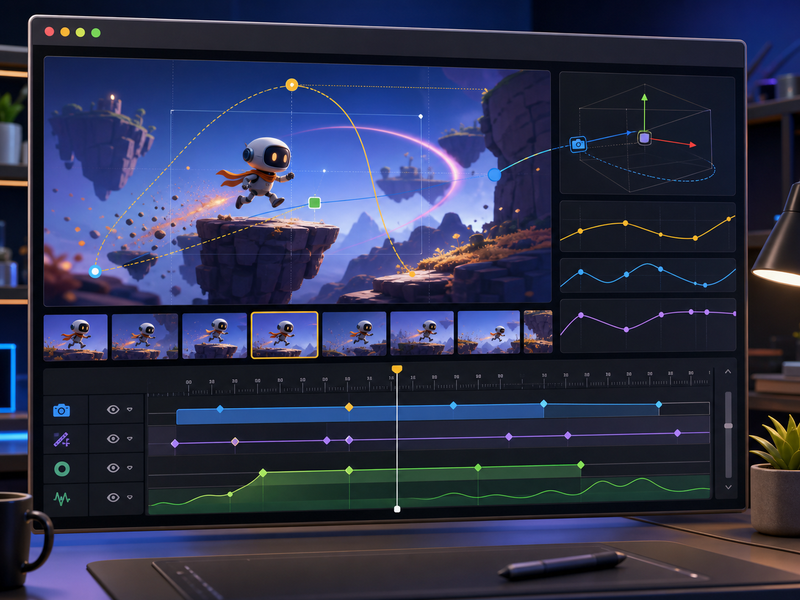
Scene and Timeline Editing

Anijam includes a Scene Editor for fine-tuning frames after generation. That matters for story-driven animation because creators often need to adjust scenes, timing, characters, and motion after the first draft instead of accepting a single generated clip unchanged.

Frequently Asked Questions

Everything you need to know about Anijam

Start creating

Create animated videos from prompts and references

Start with a prompt, add reference media when needed, and generate AI video in the Studio workflow.

Get Started for Free