
Create a Micro Camera Animal Video in 3 Steps
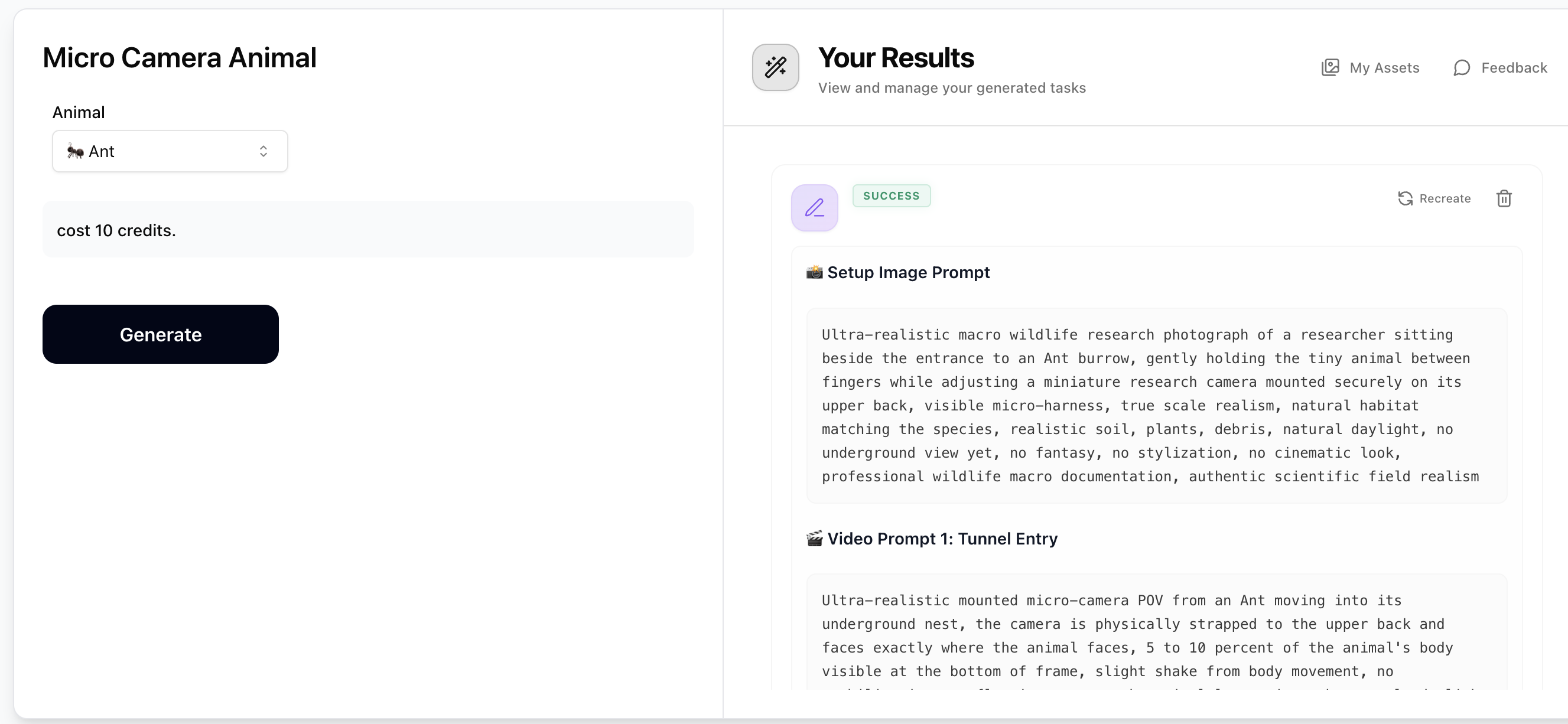
Step 1: Generate Prompts with Micro Camera Animal
Select a burrowing animal from the dropdown (e.g. Ant, Field mouse, Beetle, Naked mole-rat). The prompt generator will output 1 setup image prompt and 5 video prompts — all describing ultra-realistic micro-camera POV footage physically mounted on the animal's back. Copy the setup image prompt and the video prompts you want to use. Costs just 10 credits.
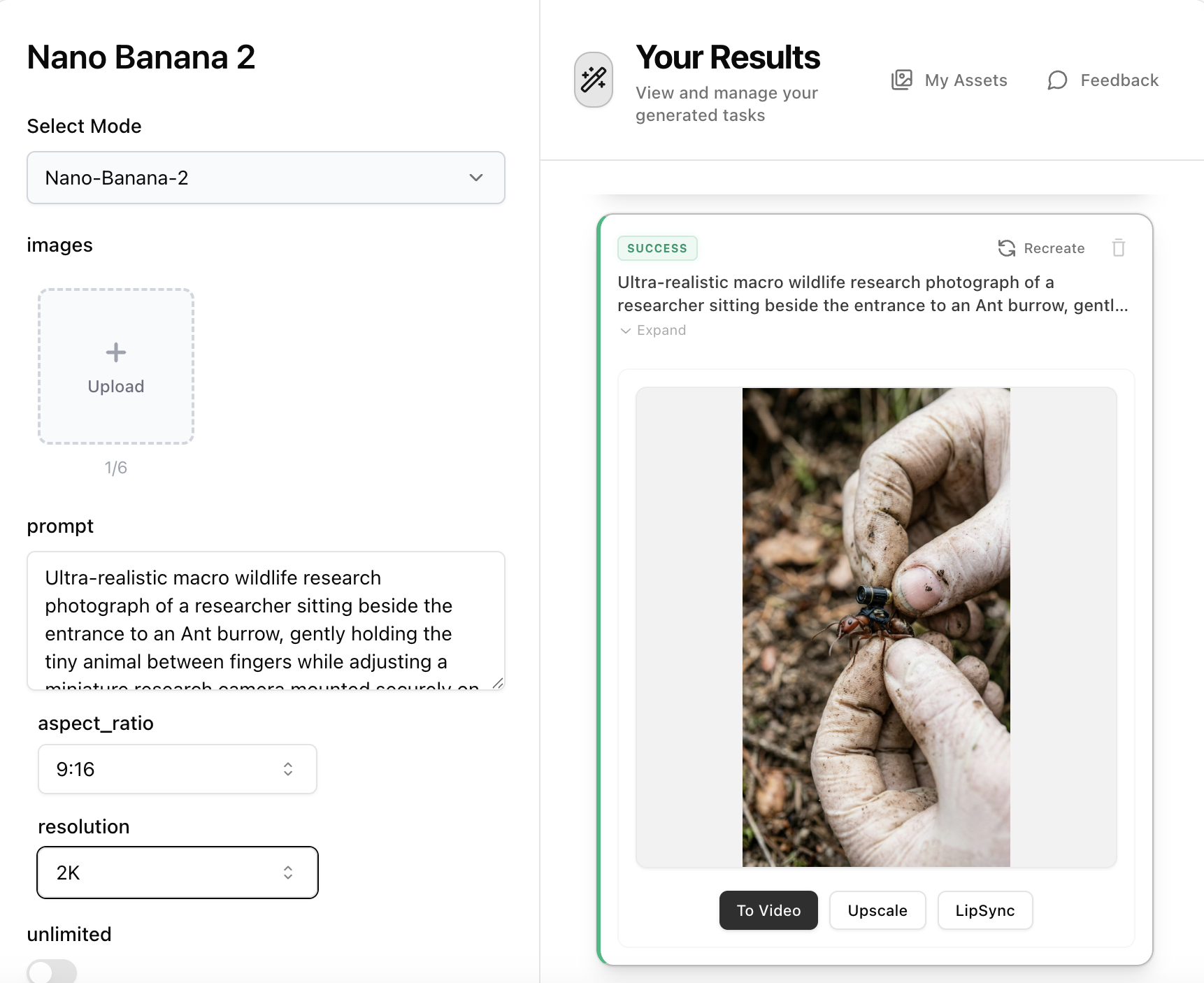
Step 2: Create the Setup Image with Nano Banana 2
Open Nano Banana 2, paste the 'Setup Image Prompt' from Step 1 into the prompt field. No reference image is needed — the prompt describes a researcher holding the animal while attaching the micro-camera harness. Set aspect ratio to 16:9 and resolution to 2K, then generate your ultra-realistic macro wildlife research photograph.
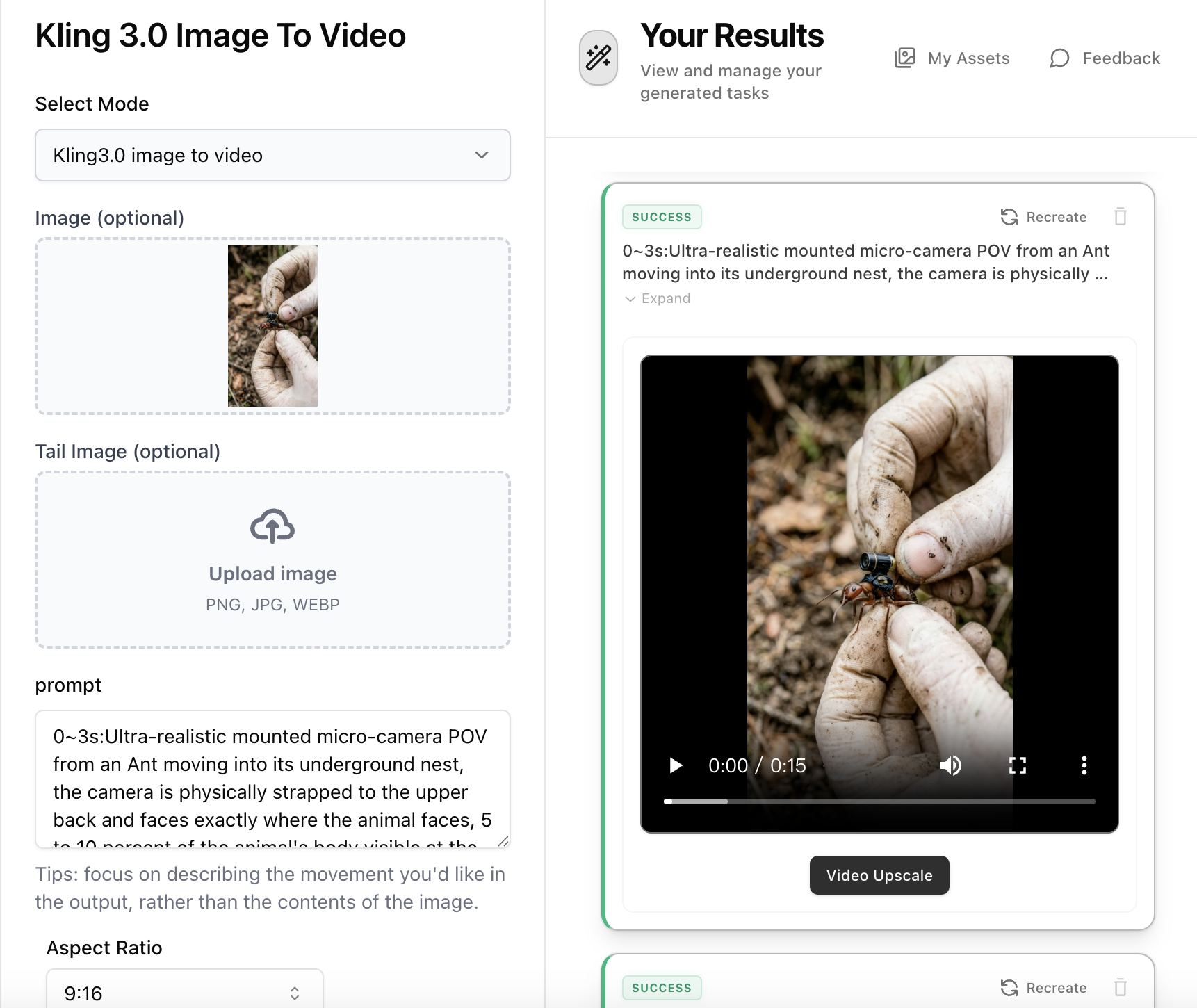
Step 3: Animate with Kling 3.0 Image-to-Video (Multi Shot)
Open Kling 3.0 Image-to-Video, upload the setup image from Step 2. Combine multiple video prompts from Step 1 into a single multi-shot prompt with timestamps — e.g. '0~3s: [Video Prompt 1] 3~6s: [Video Prompt 2] 6~9s: [Video Prompt 3]'. Set duration to match your total segments (e.g. 9s for 3 segments), enable Multi Shot mode, and select Standard or Pro. Generate your continuous micro-camera documentary footage.