
Create a Burning Matchstick Video in 3 Steps
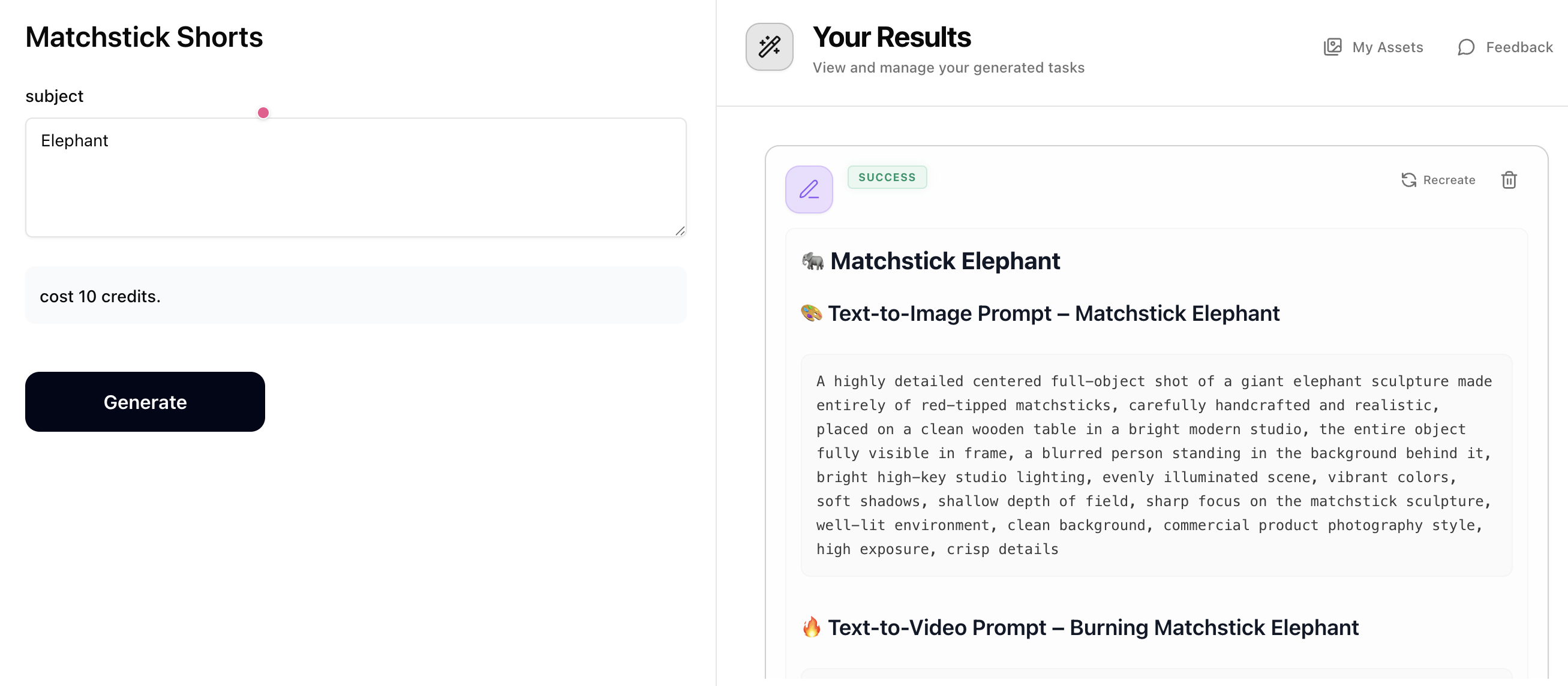
Step 1: Generate Prompts with Matchstick Shorts
Enter a subject (e.g. lion, sports car, guitar, dragon). The Matchstick Shorts prompt generator will output prompts for 5 subjects — your main subject plus 4 related ones. Each subject gets a 'Text-to-Image Prompt' for the matchstick sculpture and a 'Text-to-Video Prompt' for the burning scene. Copy both prompts for the subject you want to create. Costs just 10 credits.
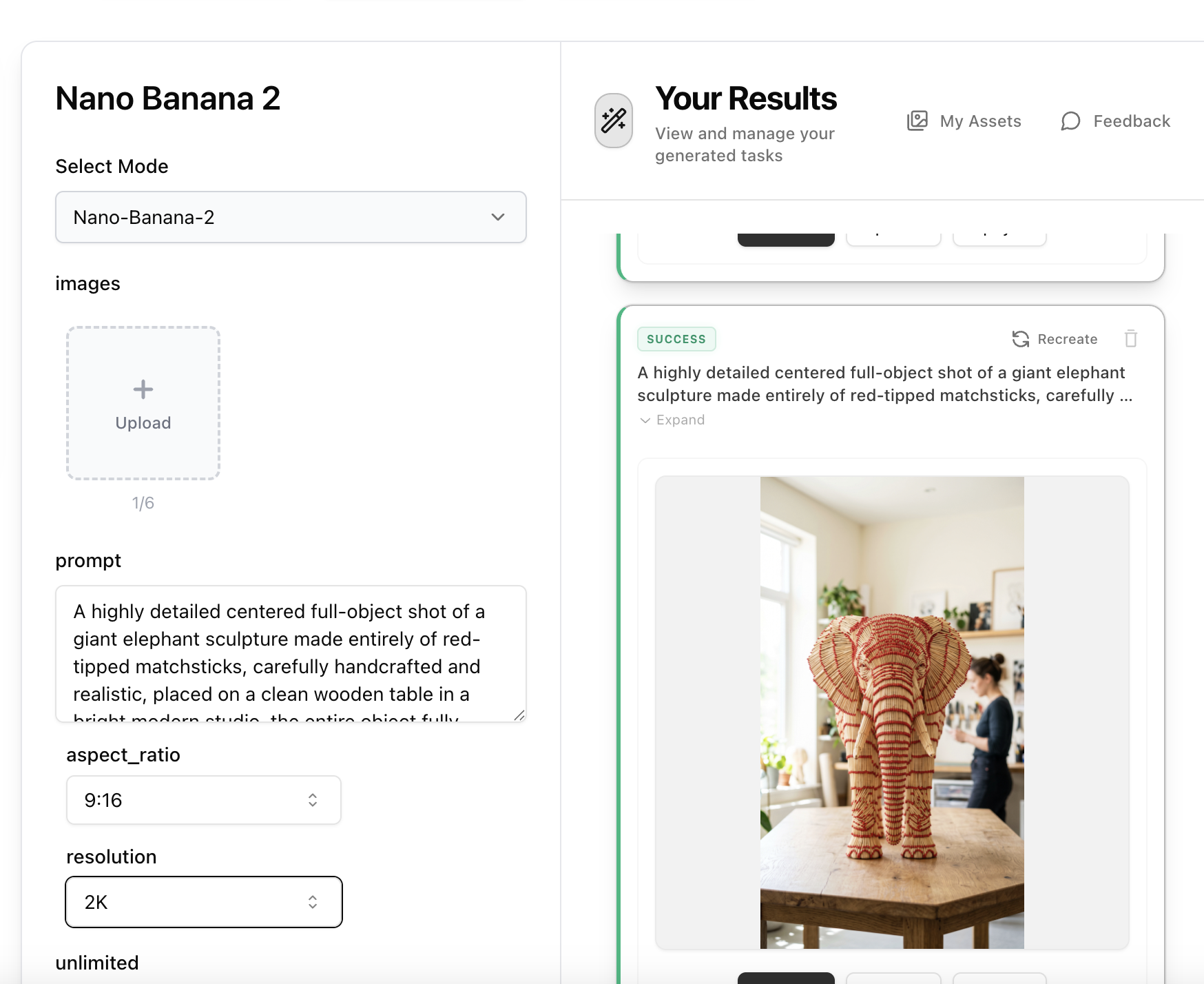
Step 2: Create the Matchstick Sculpture Image with Nano Banana 2
Open Nano Banana 2, paste the 'Text-to-Image Prompt' from Step 1 into the prompt field. No reference image is needed — the prompt describes the full scene including the matchstick sculpture, studio lighting, and background. Set aspect ratio to 9:16 and resolution to 2K, then generate your ultra-realistic matchstick sculpture image.
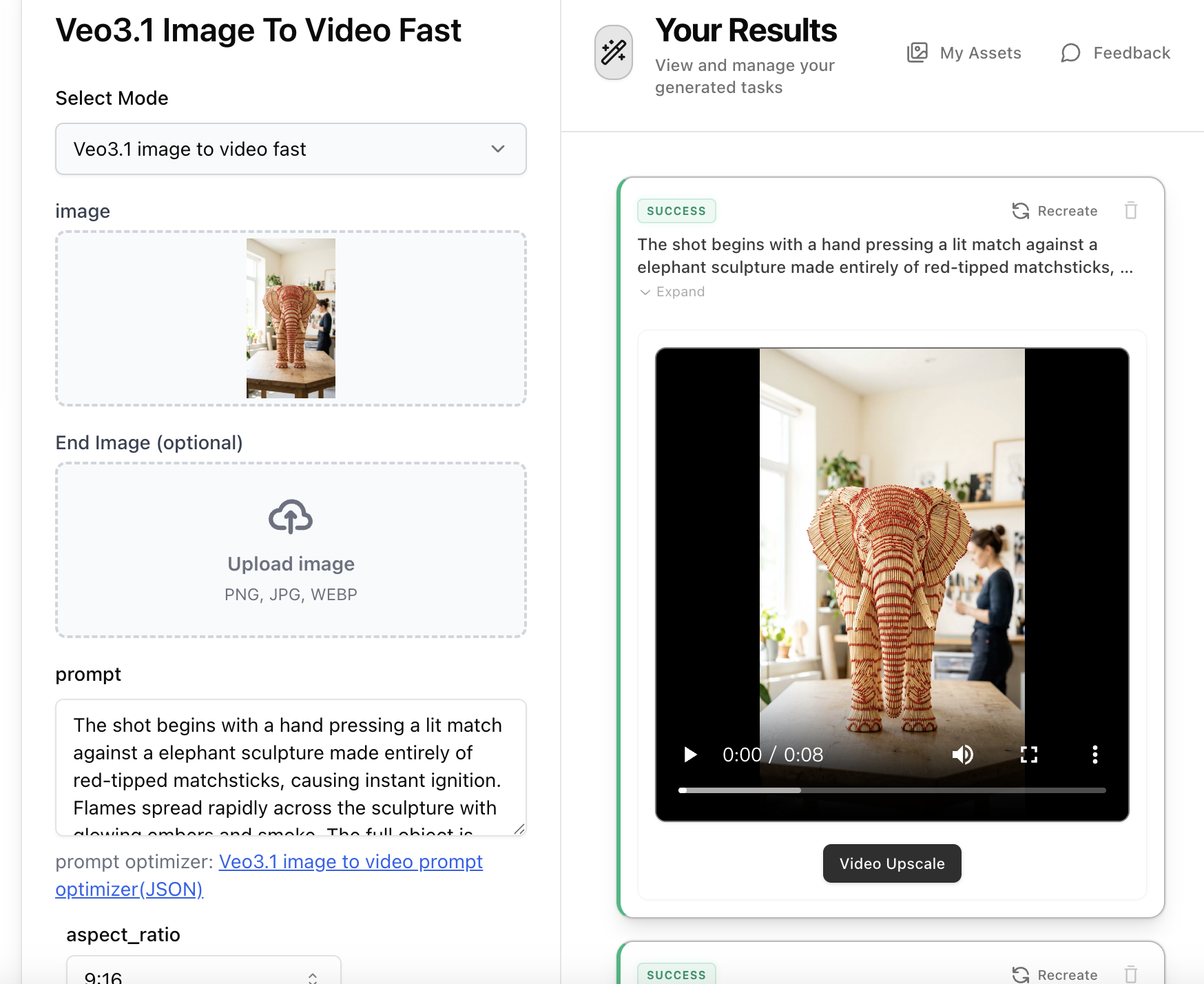
Step 3: Animate the Burning Scene with Veo3.1 Video
Open Veo3.1 Image-to-Video, upload the matchstick sculpture image from Step 2, then paste the 'Text-to-Video Prompt' from Step 1 into the prompt field. The video prompt describes a hand lighting the sculpture, flames spreading rapidly with glowing embers and smoke. Select 9:16 aspect ratio and generate your dramatic burning matchstick video.