
Micro Camera Animal
Tus Resultados
Ver y administrar tus tareas generadas
Mira cómo funciona
Vista previa de los resultados que puedes crear
Esta es una demostración de lo que puedes crear con esta herramienta. ¡Pruébalo tú mismo creando una nueva tarea!
Create a Micro Camera Animal Video in 3 Steps
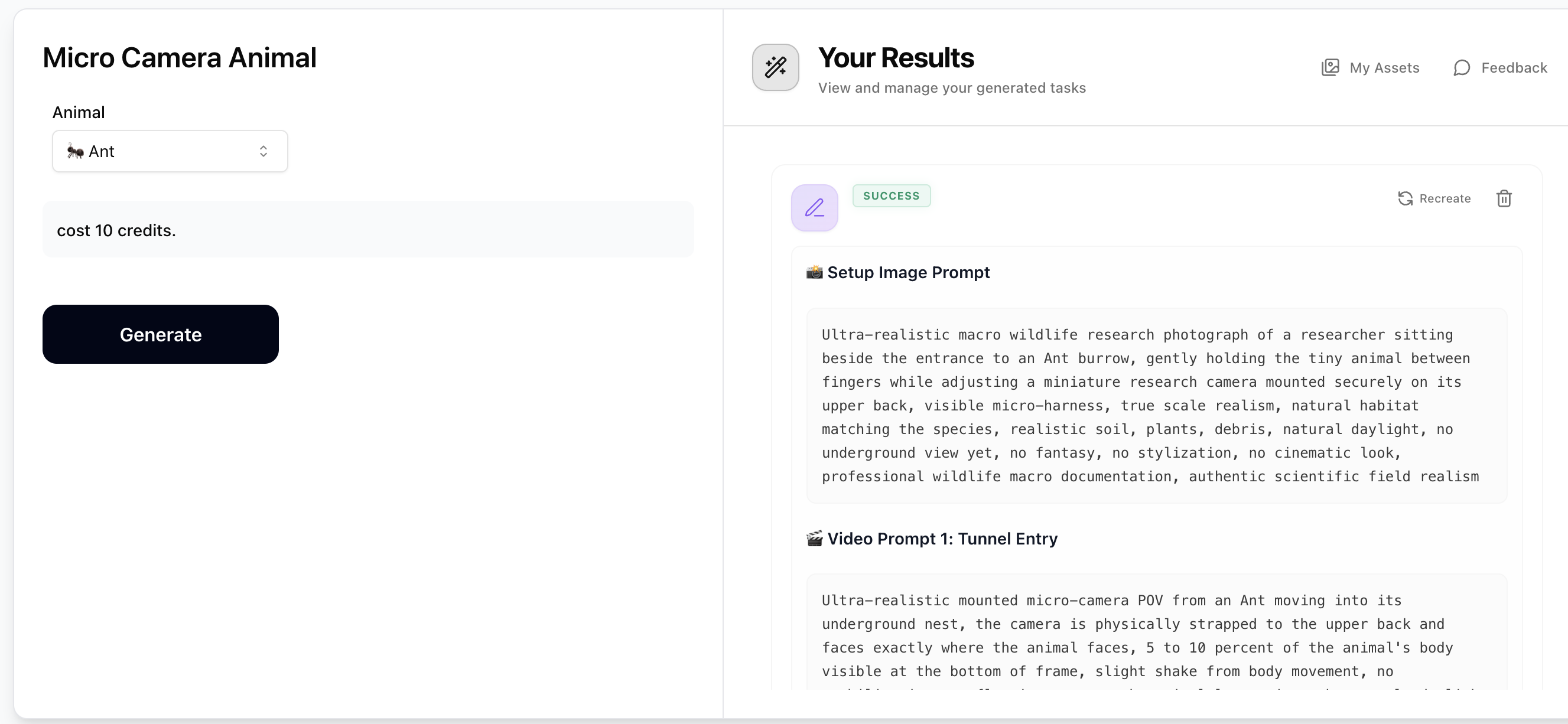
Step 1: Generate Prompts with Micro Camera Animal
Select a burrowing animal from the dropdown (e.g. Ant, Field mouse, Beetle, Naked mole-rat). The prompt generator will output 1 setup image prompt and 5 video prompts — all describing ultra-realistic micro-camera POV footage physically mounted on the animal's back. Copy the setup image prompt and the video prompts you want to use. Costs just 10 credits.
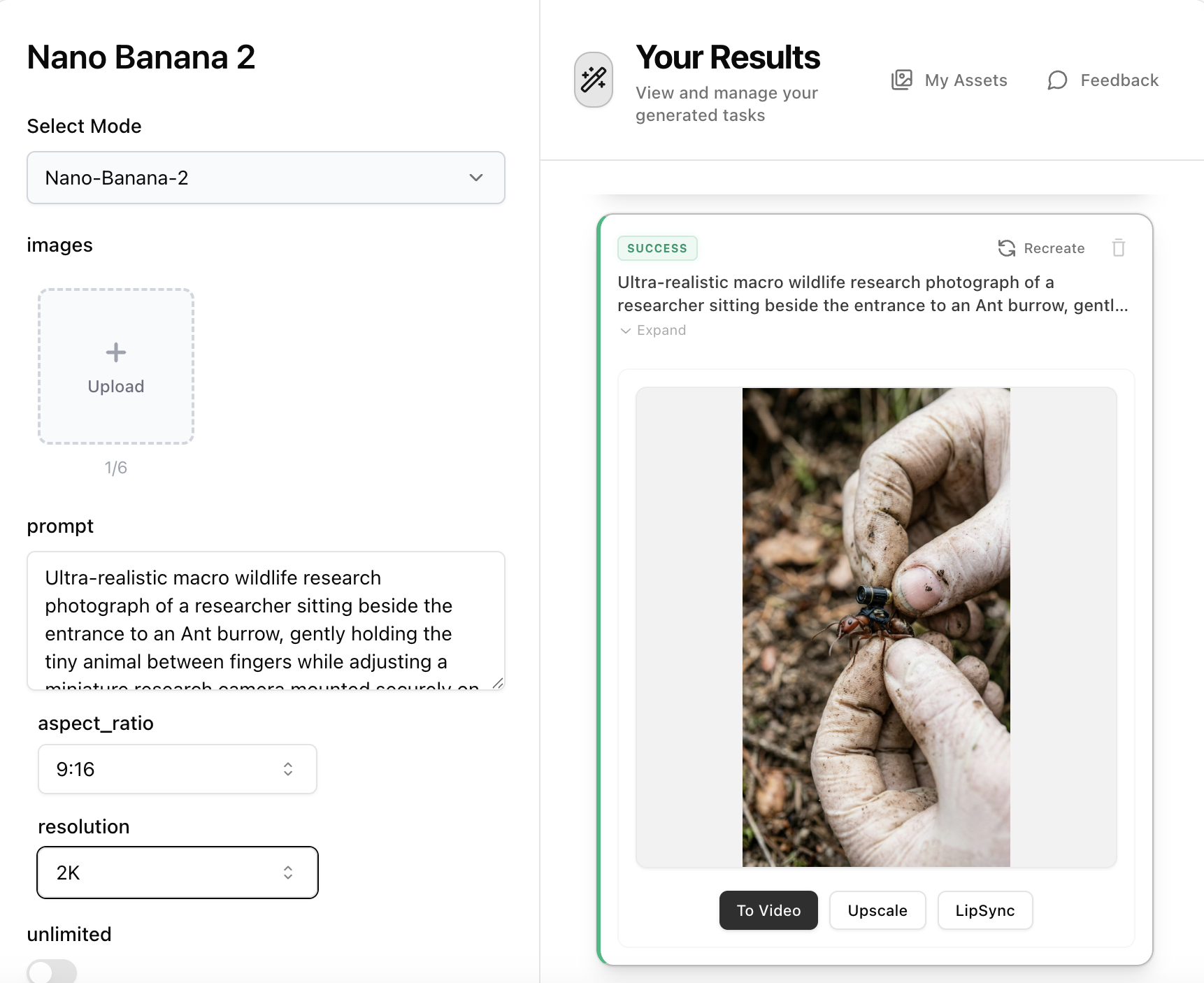
Step 2: Create the Setup Image with Nano Banana 2
Open Nano Banana 2, paste the 'Setup Image Prompt' from Step 1 into the prompt field. No reference image is needed — the prompt describes a researcher holding the animal while attaching the micro-camera harness. Set aspect ratio to 16:9 and resolution to 2K, then generate your ultra-realistic macro wildlife research photograph.
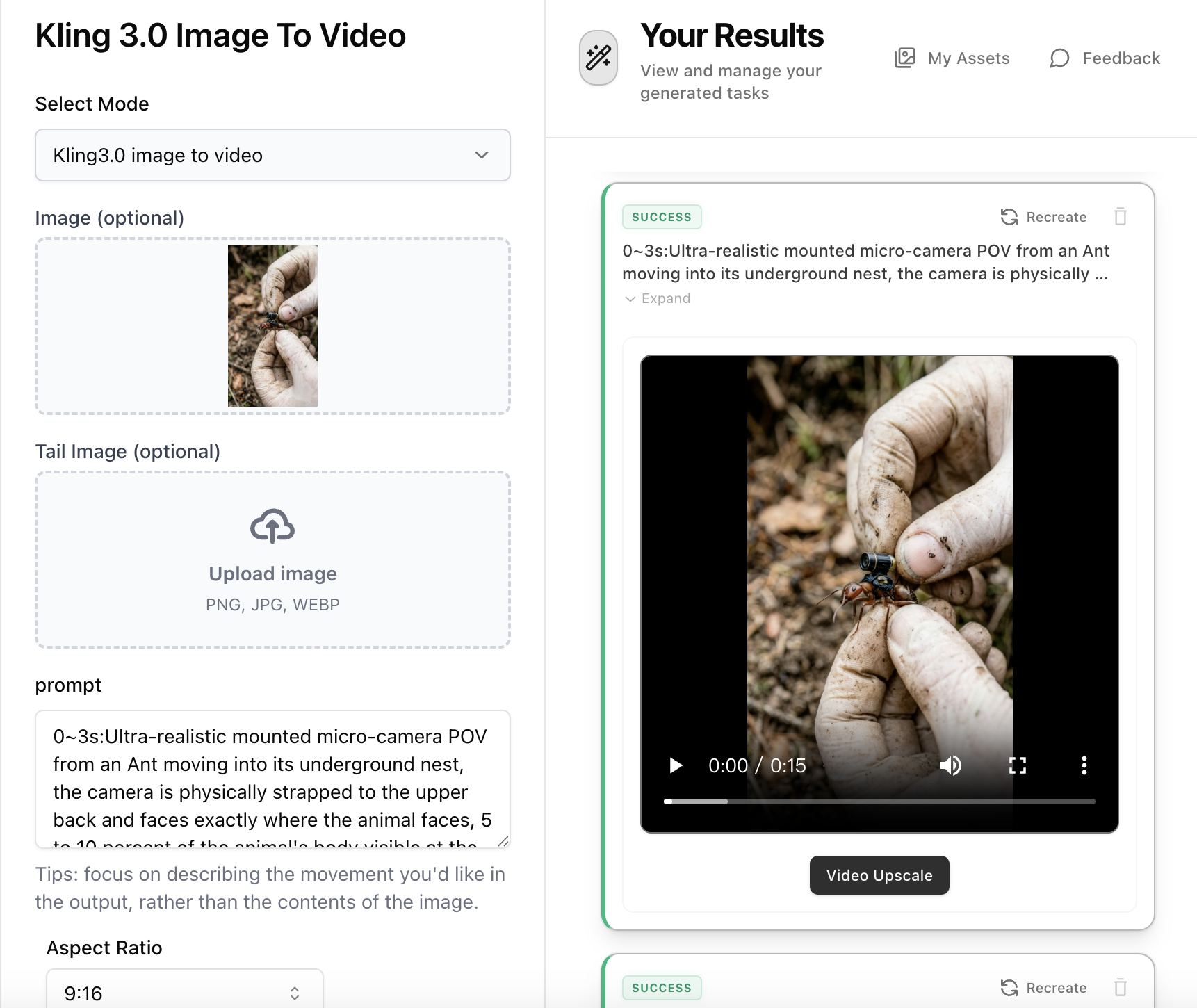
Step 3: Animate with Kling 3.0 Image-to-Video (Multi Shot)
Open Kling 3.0 Image-to-Video, upload the setup image from Step 2. Combine multiple video prompts from Step 1 into a single multi-shot prompt with timestamps — e.g. '0~3s: [Video Prompt 1] 3~6s: [Video Prompt 2] 6~9s: [Video Prompt 3]'. Set duration to match your total segments (e.g. 9s for 3 segments), enable Multi Shot mode, and select Standard or Pro. Generate your continuous micro-camera documentary footage.